WordGPT

Product photos

A full set of product pictures from one photo

Upload a photo of what you sell. Get the main picture cut out on pure white, plus in use, flat lay, close-up, story and banner.

The main picture is free; sign in to start.

  • Your own pixels on the main picture, not a redraw
  • Checked against what Amazon, Etsy, Shopify and eBay ask for
  • 12 kinds of product, from jewelry to furniture

Made with the tool, one photo each

Each picture came from a single photo of the product: the main picture is cut out of it, the others are drawn by the image model and checked against it. Pick one to see what to watch for that kind of product.

From a real photo, not a studio one

Your photo does not need to be perfect. These sets were made from ordinary photos, with no editing, so you can see what to expect and what to fix. The five drawn pictures are made from the whole photo; only the main picture is cut out of it.

  1. 1. Take or crop a photo with one product in it
  2. 2. Check the cut-out and paint over anything wrong (free)
  3. 3. Make the set: five more pictures are drawn from your photo

A mug on a kitchen table

Needs a quick fix
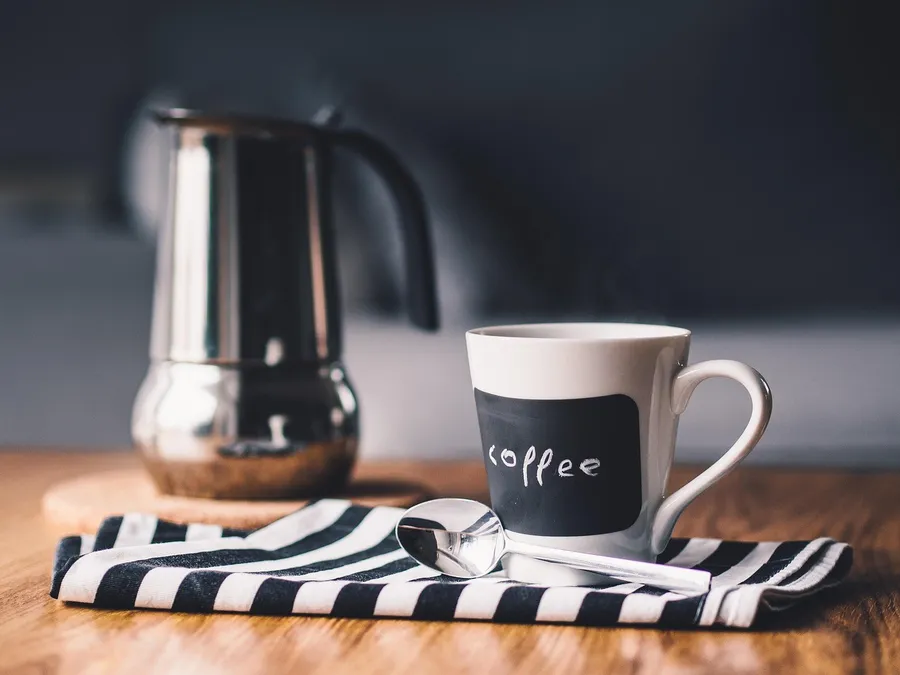
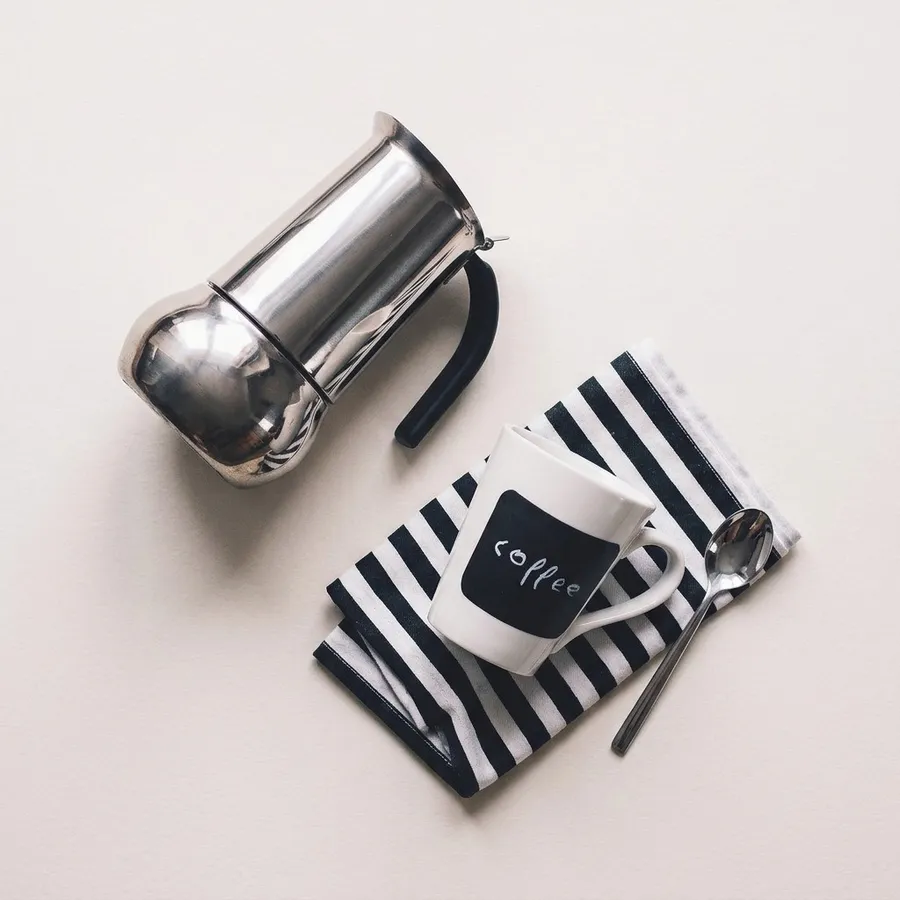
The photo: A phone-style shot: a mug on a striped napkin, a spoon leaning on it, a coffee pot behind.
Your photo. A phone-style shot: a mug on a striped napkin, a spoon leaning on it, a coffee pot behind.
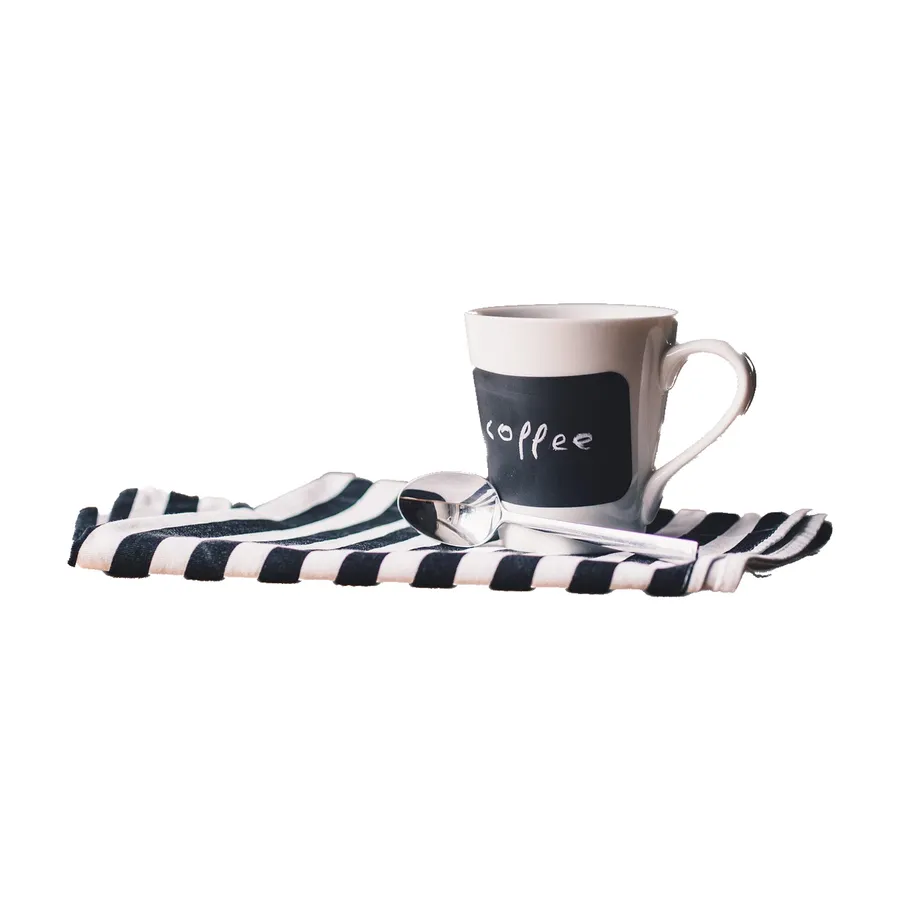
The main picture the tool cut out
The automatic cut-out, on pure white
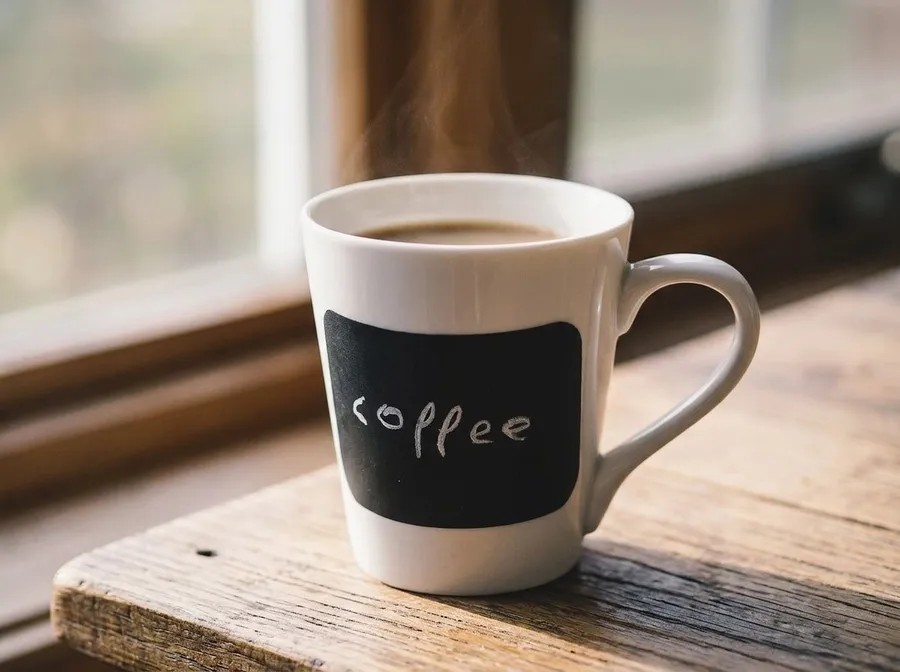
  • In use picture drawn from the photo

    In use

  • Flat lay picture drawn from the photo

    Flat lay

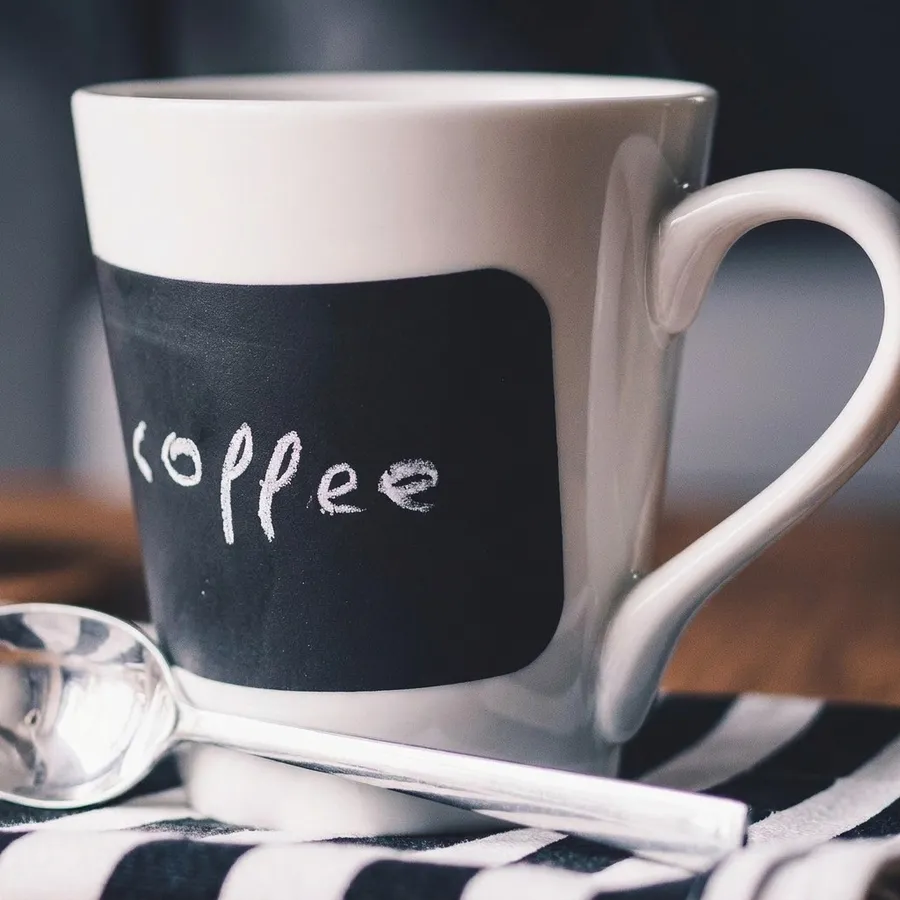
  • Close-up picture drawn from the photo

    Close-up

What happened. The cut-out kept the napkin and the spoon with the mug and dropped the coffee pot.

What to do. Paint over the napkin with the Remove brush before you make the set, or put the mug alone on a plain surface.

Source photo by fancycrave1 on Pixabay. Made with the tool on 19 Nov 2026.
Soap in a crowded scene

Picked the wrong thing
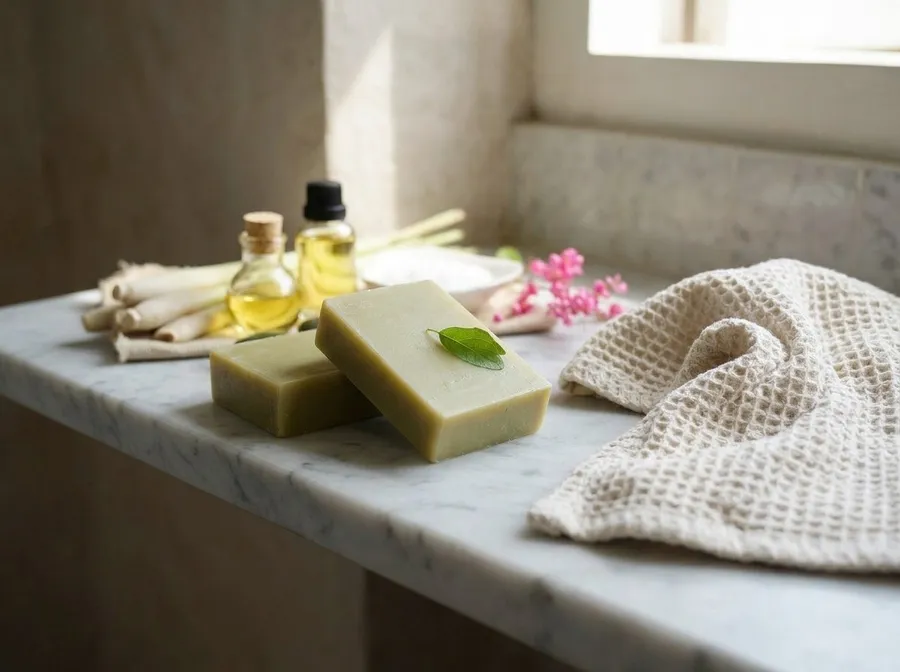
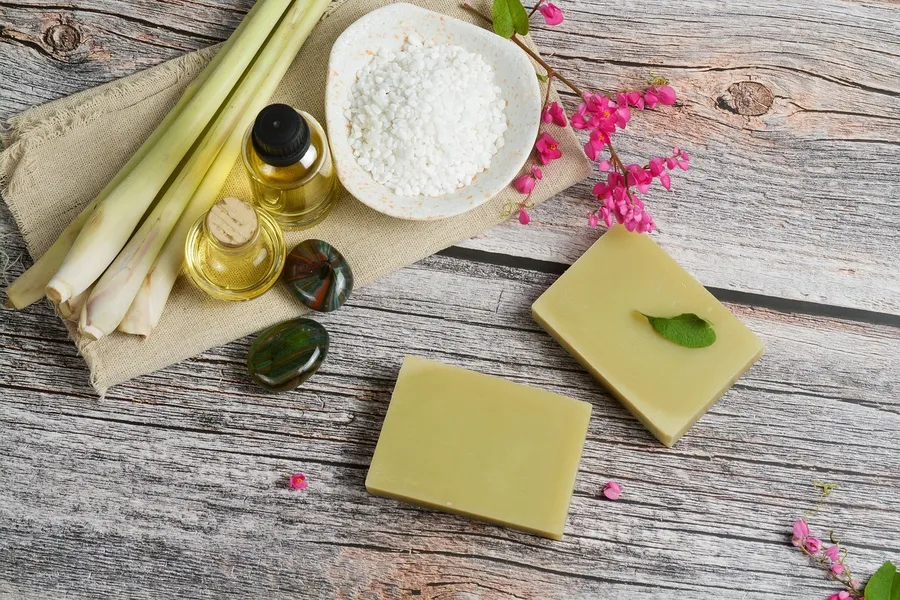
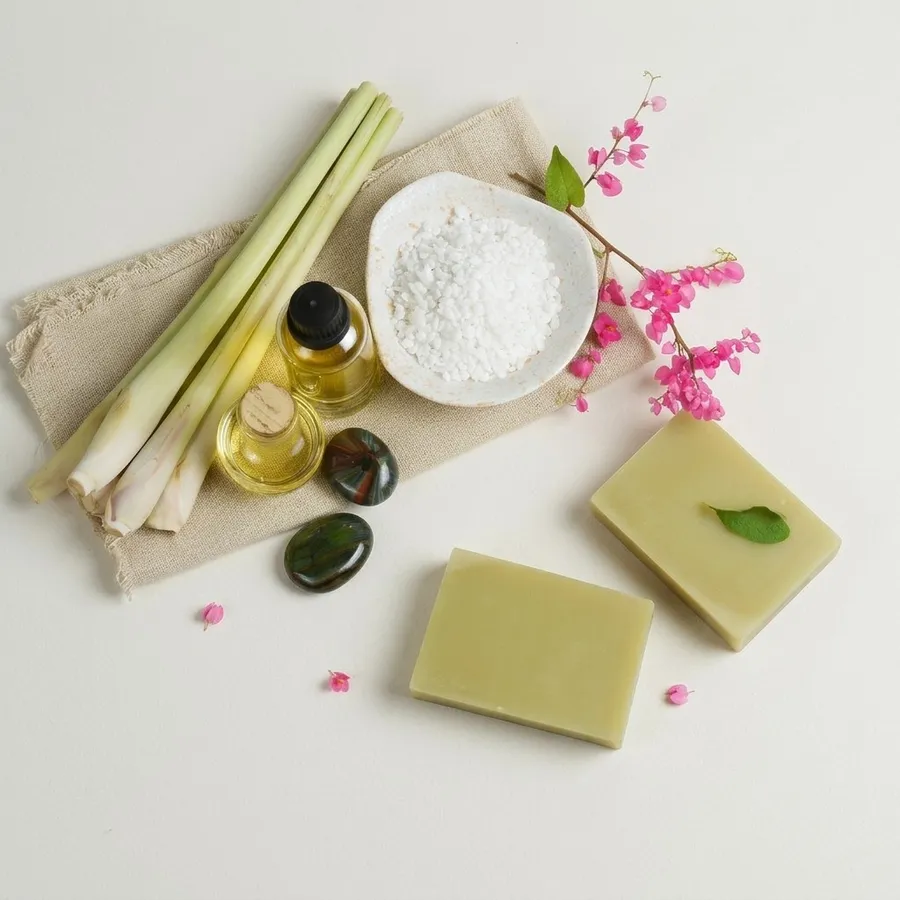
The photo: Two soap bars with a bowl of salts, oil bottles, stones, lemongrass and flowers around them.
Your photo. Two soap bars with a bowl of salts, oil bottles, stones, lemongrass and flowers around them.
The main picture the tool cut out
The automatic cut-out, on pure white
  • In use picture drawn from the photo

    In use

  • Flat lay picture drawn from the photo

    Flat lay

  • Close-up picture drawn from the photo

    Close-up

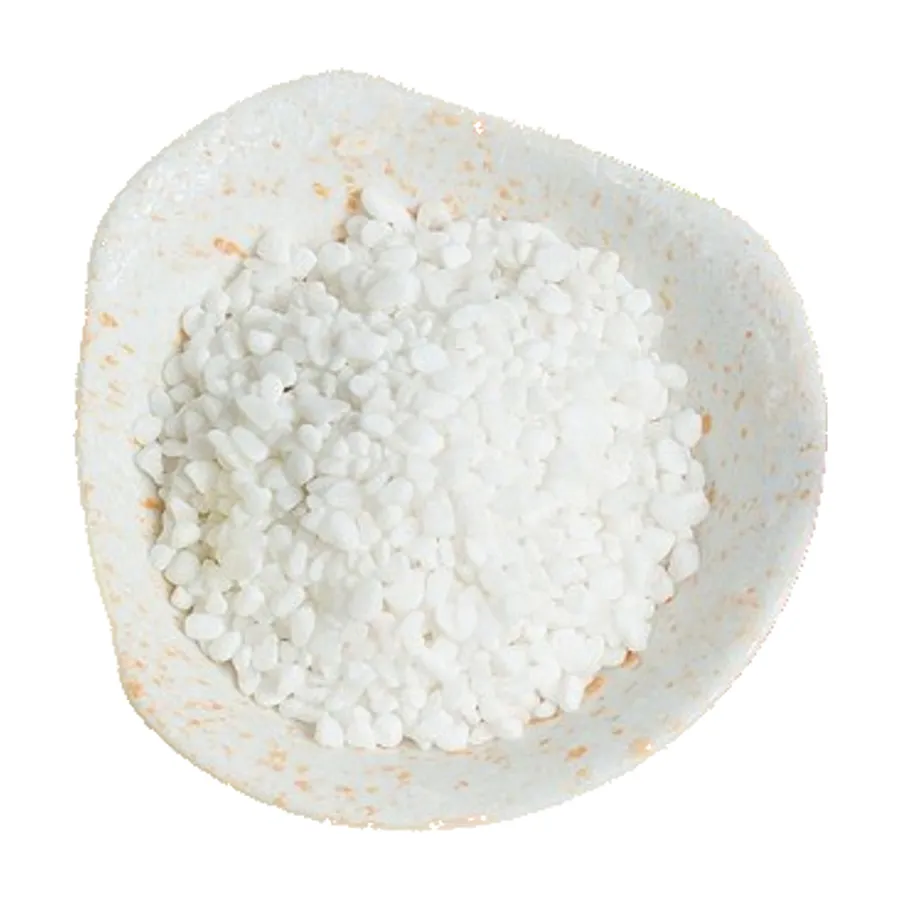
What happened. With so many objects the cut-out picked the bowl of salts, not the soap.

What to do. Crop to the product first (next example), or use the Keep brush on the soap and Remove on the bowl.

Source photo by phuonghoangthuy on Pixabay. Made with the tool on 19 Nov 2026.
The same soap, cropped to one bar

Worked first time
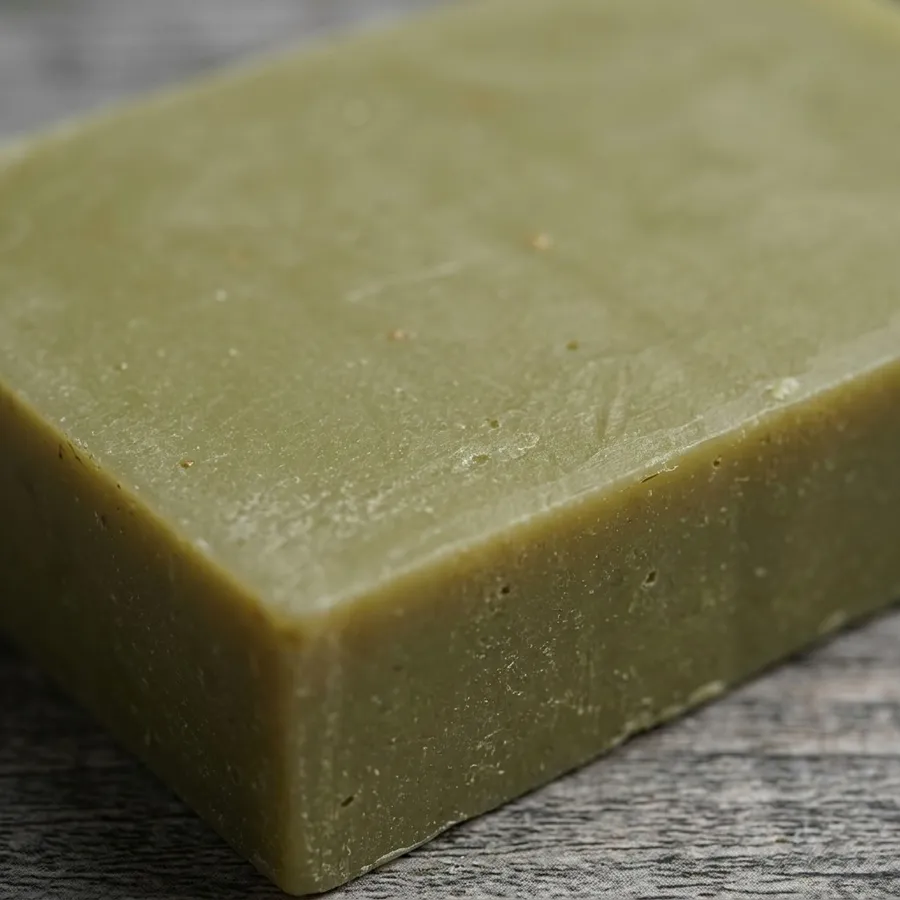
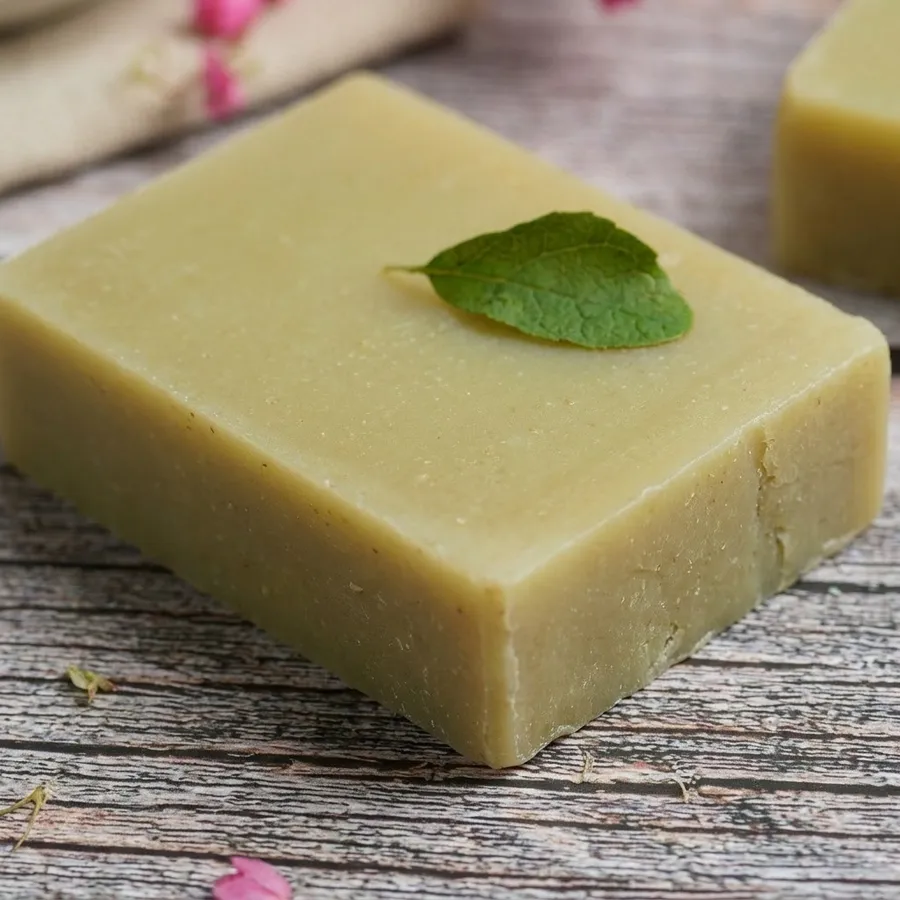
The photo: The same photo, cropped on the phone to the one bar of soap before uploading.
Your photo. The same photo, cropped on the phone to the one bar of soap before uploading.
The main picture the tool cut out
The automatic cut-out, on pure white
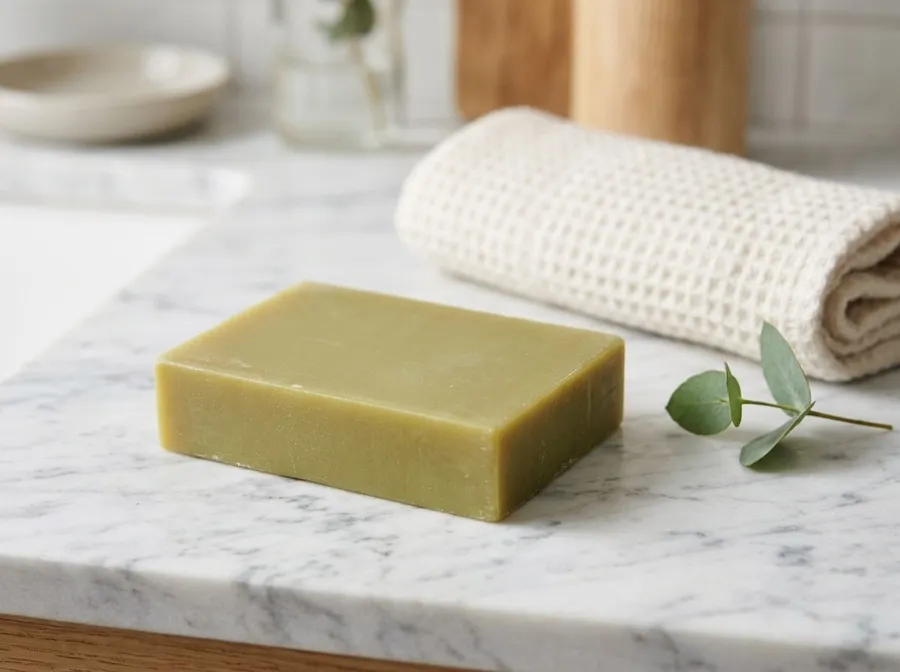
  • In use picture drawn from the photo

    In use

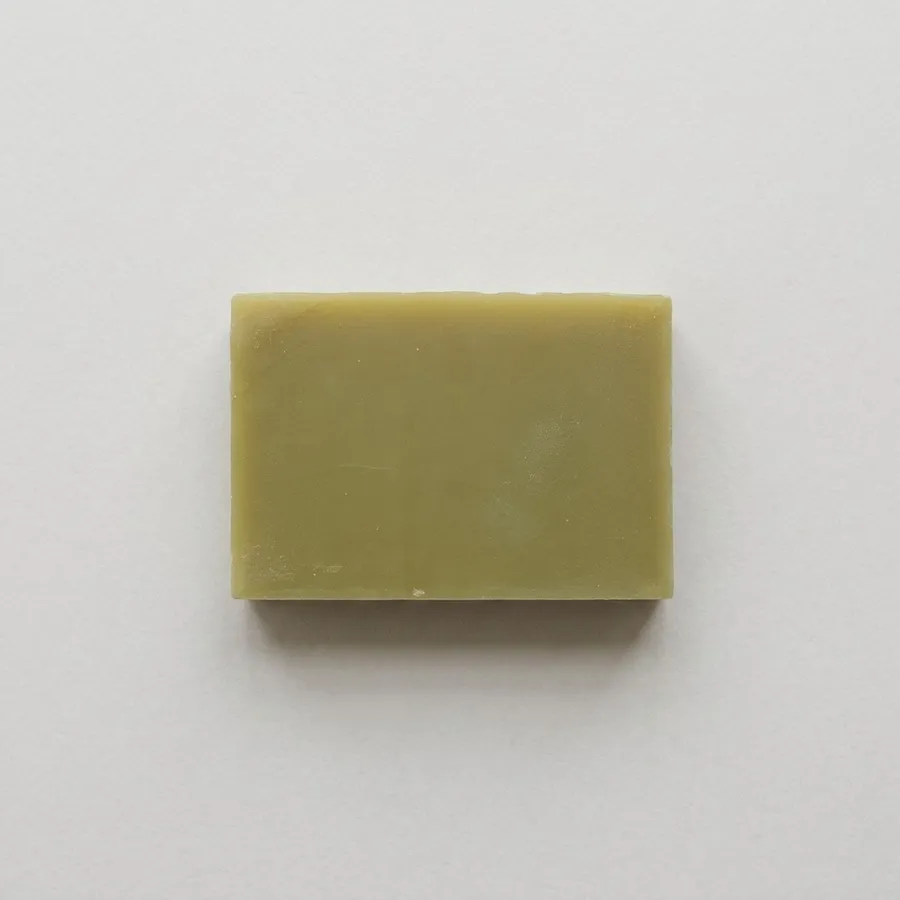
  • Flat lay picture drawn from the photo

    Flat lay

  • Close-up picture drawn from the photo

    Close-up

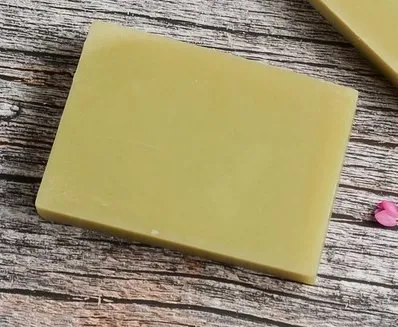
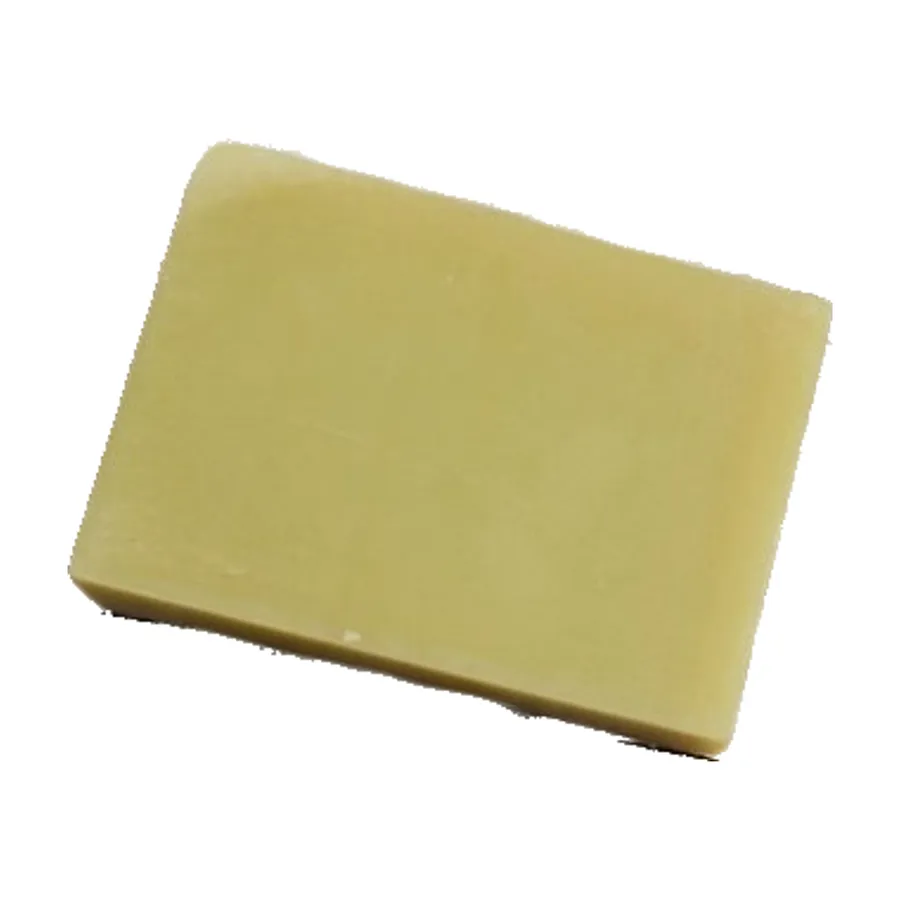
What happened. A clean cut-out of the bar on pure white. The wood grain around it is gone.

What to do. One product, nothing touching it: the cut-out follows the edges.

Source photo by phuonghoangthuy on Pixabay, cropped. Made with the tool on 19 Nov 2026.
One sneaker from a photo of ten pairs

Worked first time
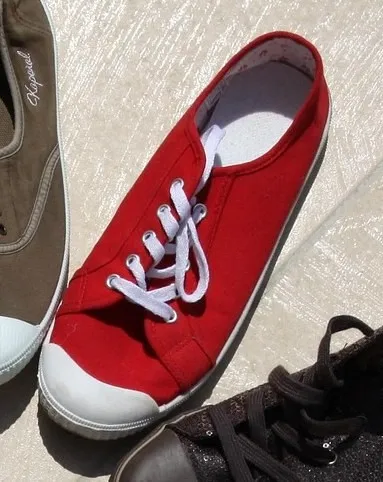
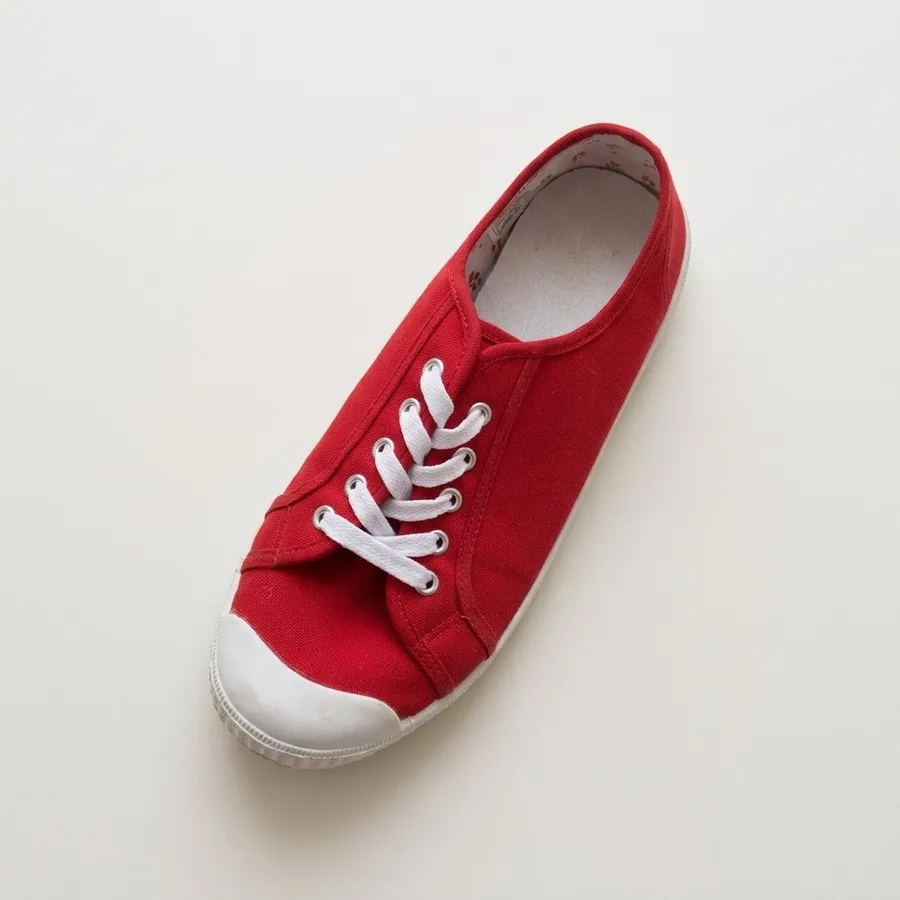
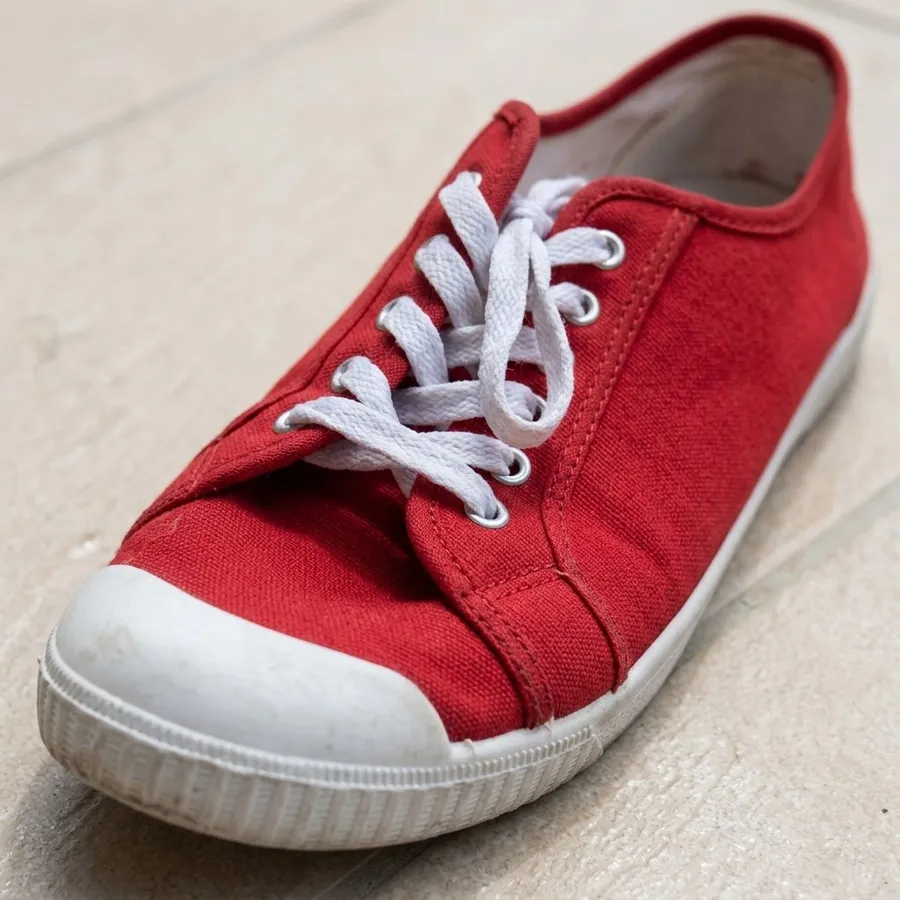
The photo: A red sneaker on a tile floor, cropped from a circle of shoes: parts of two other shoes still show at the edges.
Your photo. A red sneaker on a tile floor, cropped from a circle of shoes: parts of two other shoes still show at the edges.
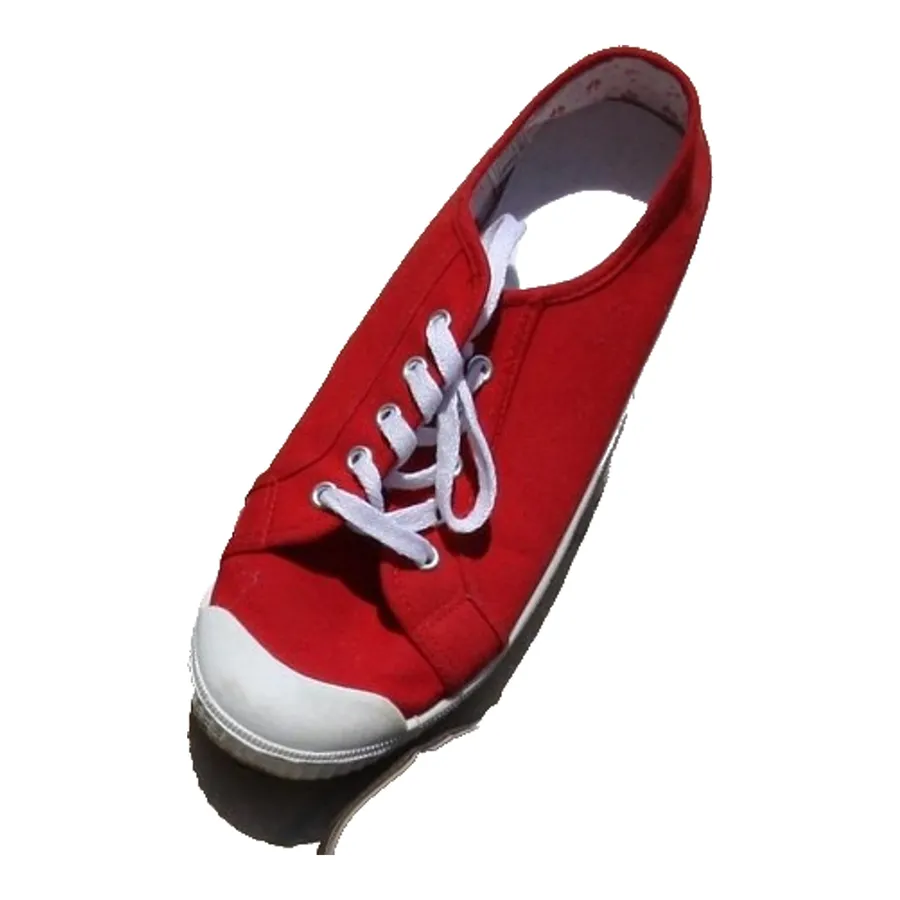
The main picture the tool cut out
The automatic cut-out, on pure white
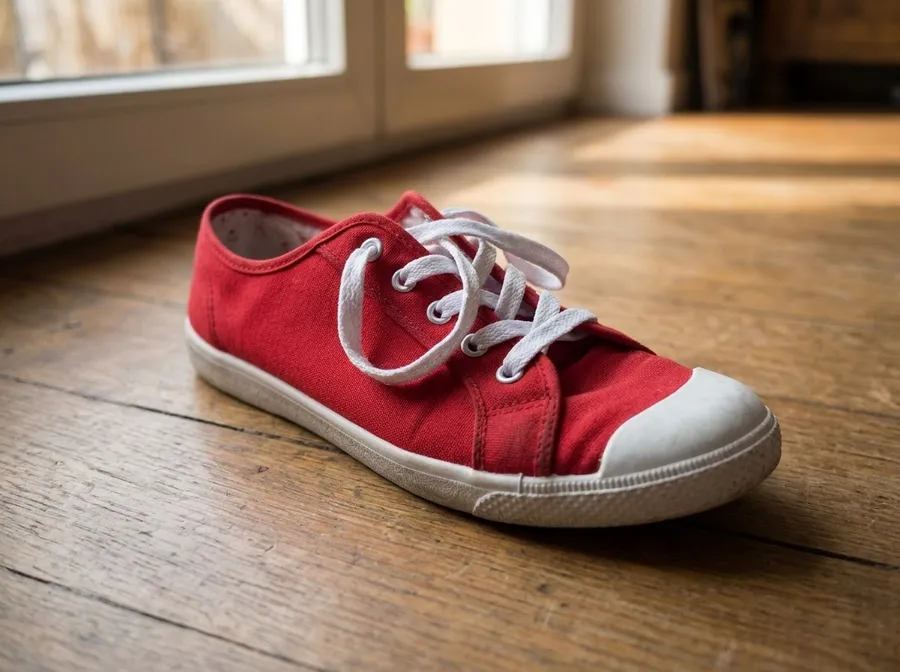
  • In use picture drawn from the photo

    In use

  • Flat lay picture drawn from the photo

    Flat lay

  • Close-up picture drawn from the photo

    Close-up

What happened. The red sneaker was found and the other shoes are gone. A faint shadow stays at the toe.

What to do. A crop is enough. Check the edges, and use Remove on a leftover shadow if it bothers you.

Source photo by chezbeate on Pixabay, cropped. Made with the tool on 19 Nov 2026.
How it works

  1. 1. Upload one photo

    A phone picture on any plain surface is enough. Say what the product is.

  2. 2. We make the set

    The main picture is cut from your photo. The other five are drawn from it, and a check flags a product that changed.

  3. 3. Download for your shop

    Sized for the marketplace you choose, ready to upload.

The six pictures in every set

  • Main picture

    Your own photo cut out onto pure white and checked against the marketplace's rules.

  • In use

    The product in a setting that suits it, so a buyer sees the scale and the style.

  • Flat lay

    Seen from above on a clean surface, the shot many shops put second.

  • Close-up

    Material, stitching, finish: the detail shoppers zoom in to check.

  • Story

    A tall picture for Stories and Reels, with room for your text.

  • Banner

    A wide picture for a shop header or an ad.

The model only sees what your photo shows, so a side it cannot see is guessed. Each category page says what to check in its pictures.

What each marketplace asks for

Try it with your own product

One photo in, a full set out. The main picture is free.

Make my set from one photo
    Product photos for Amazon, Etsy, Shopify and eBay: a full set from one photo | WordGPT