Explainer videos for students and teachers, made from one sentence
Real examples, made by WordGPT in a few minutes each. Nothing plays until you press play.
 Linear algebra · 0:46What is a determinant, really?
 Physics · 0:52Why is the sky blue?
 Money · 1:02Why compound interest grows faster and faster
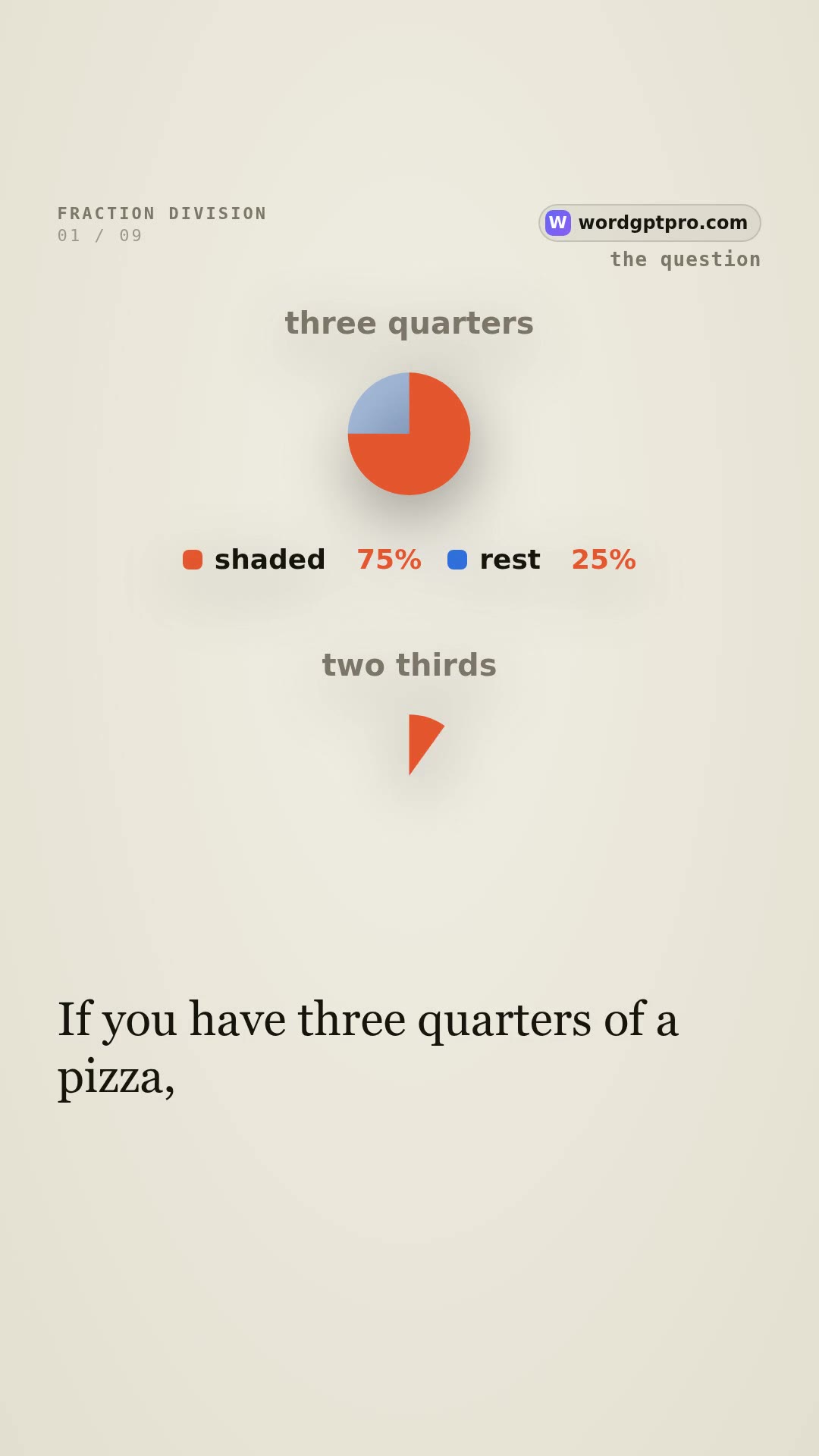 Maths · 0:47Why do you flip and multiply when you divide fractions?
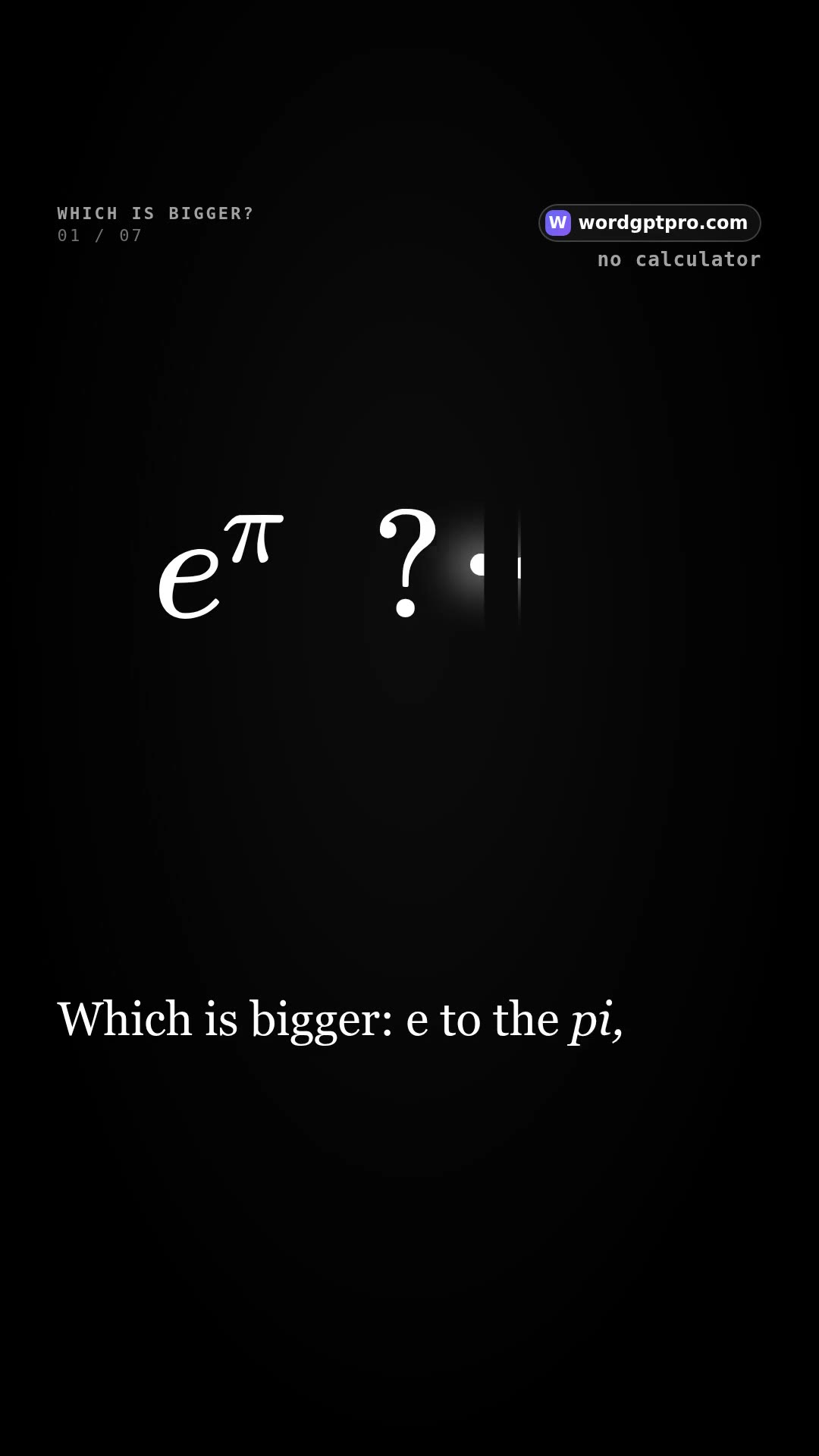 Calculus · 1:07Which is bigger: e to the π, or π to the e?
Open one and scroll up and down to move between videos, like Shorts or Reels. An explanation sits beside each one.
Built on the newest models
Three models share the work, each doing what it does best, and the voice is a separate model chosen for how it sounds.

The models that make the video
Gemini 4 Argon · Google · Plans the lesson
Reads your sentence and decides what to teach, in what order, and what to show first.
GPT-5.6 Luna · OpenAI · Writes every scene
Turns the plan into scenes: graphs that draw themselves, equations that build step by step, diagrams, timing and the words to say.
Gemini vision · Google · Checks the picture
Looks at frames of the draft, together with our own layout check, so text is not cut off and nothing sits on top of anything else.
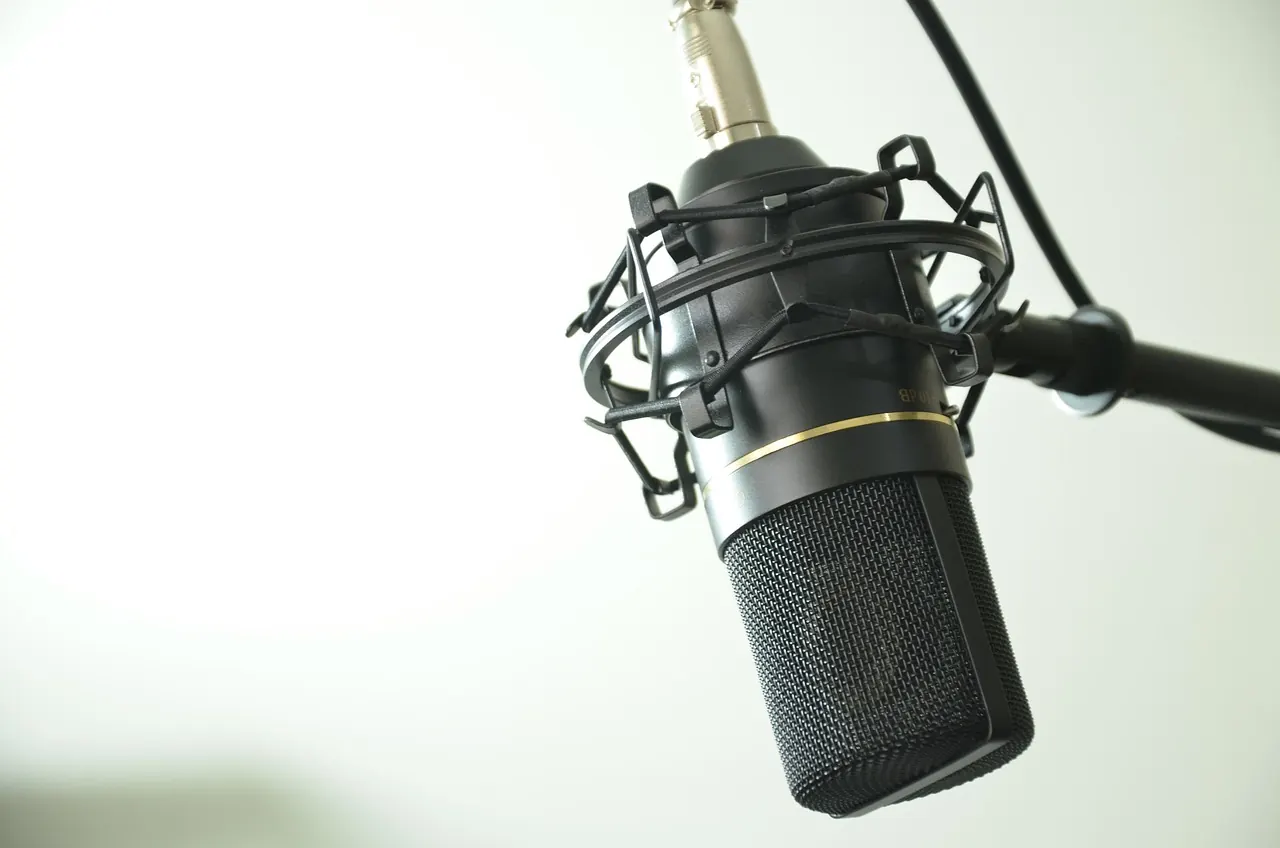
Voices with intonation and emotion
Gemini voices
Expressive voices that follow a tone, such as excited, warm, whispered or dramatic, so a line can sound the way it should.
HeyGen Turbo
A natural, clear narrator. A free version is included in every plan.
ElevenLabs
Professional-grade voices with lifelike intonation and emotion, for paid plans.
How it works
- Step 1
Type one sentence
A topic, a question, or paste your notes.
- Step 2
WordGPT makes the video
It writes the script, draws the pictures, adds a voice and captions, and checks that nothing overlaps.
- Step 3
Watch, download, share
A vertical video for Reels, Shorts and TikTok, or a landscape one for slides.