What should we write?
AI that helps.AI that writes.AI that thinks.
No credit card required · Cancel anytime

30 seconds: ask, search, draft, then edit with AI.
Your AI workspace for
Draft and refine writing by chatting, turn it into a slide deck, study from photos of your notes, build a resume you can share, or drop a stack of PDFs and get one clean spreadsheet. Try it below — no account needed.
What do you want to make?
Pick one. Say it in a sentence, and we set up the quickest way to get it done. Free to try, no account.
Not just text: finished files
Web pages, slides, spreadsheets and summaries from one request. Pick one and try it right here, no account needed.
You give: Meeting notes
Notes turned into a designed page
Key numbers, charts and tables laid out as a web page you can download, share or publish.
You get
Not another template.
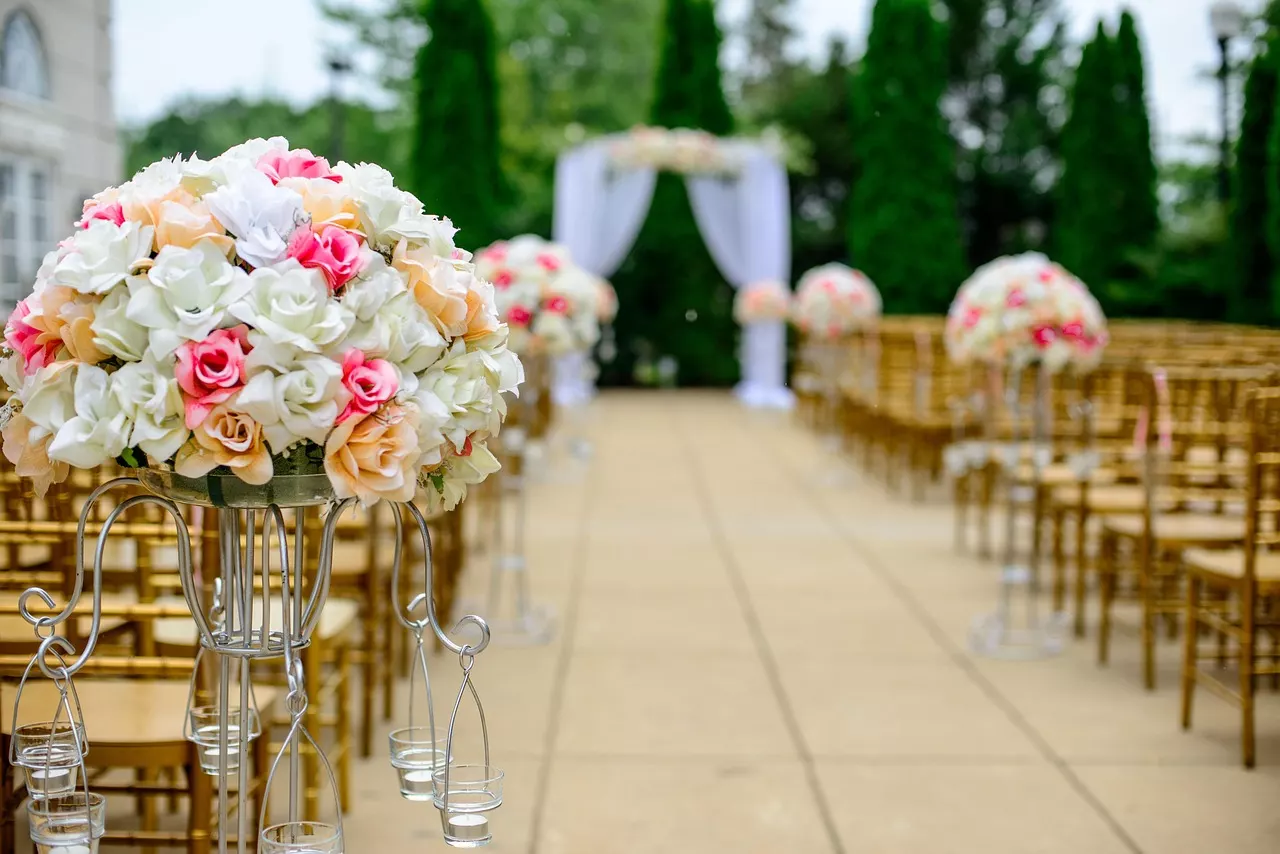
Sites for a salon, a bakery, a course or a wedding, each made from one sentence and yours to change by chatting.
Browse all website templates →Real sample sites made with WordGPT. Swipe to browse.Hover one to scroll it.
A document scanner, right in your browser
Photos of paper become a clean PDF: the page is found, straightened and cleaned up, then the text is yours to edit.
Try it live
See it work before you sign up
The same API the app uses — no account, a few tries a day, nothing you send is stored.
Draft a letter, proposal, post or plan
No account needed. Create a free account to edit what you make, attach files, publish it and share a link.
Write documents. Pull data out of them.
One workspace for writing with AI, learning from your notes, and turning a pile of files into documents, presentations, spreadsheets and a resume you can share.
Build your own website from scratch.
Start from a blank page: describe the site you want in a sentence and it opens beside the chat as a real file. Preview it on a phone, change it by asking, download it, publish it. This one is an example.
a landing page for a small-batch coffee roastery: our beans, a monthly subscription with pricing, how we roast, and where to visit
I'll build the roastery site as one self-contained page you can open and download.
index.html29 KB
Ember & Oak: a hero, three beans with tasting notes, three subscription plans, an animated roast curve and a visit-us footer, with hand-drawn SVG illustrations. It is responsive down to a phone.
Your profile page: one link for everything you do.
Tell the chat your name and your links. You get a clean link-in-bio page with your bio and a button for each link, ready to put in an Instagram, TikTok or email signature. Change it by asking, then publish it on a link.
- A button for every link, with an optional note
- Looks right on a phone first, 30 looks to choose from
- More than a list: add a section, a form or a picture by asking
Make me a link-in-bio page. I am Ana Rivera, a wedding and travel photographer in Lisbon. Links: book a session, portfolio, Instagram, prints shop, newsletter and my email.
Ana RiveraPage · 3 sections
Your link page is ready: your name and bio at the top, then six buttons with a short note where it helps. Open it, share it or publish it on a link.
Want it different? Ask: “make the booking button first”, “add a contact form” or “use a darker look”.
Published pages live on a link you can put in your bio.
From one sentence to a finished presentation.
Say what it is about. You get the plan as a document to review and edit first, then one question card: real photos or generated pictures, charts, how many slides. Charts and timelines are built only from the numbers and steps in your text.
- Free real photos, with credits, or generated pictures
- Charts, big numbers and timelines from your own data
- Opens in the slide editor, downloads as PowerPoint
Presentation about volcanic rocks for geology students
Here is the plan, one section per slide. Edit it, then I will turn it into slides.
Volcanic Rocks: A Field Guide
Turn this into a presentation
PicturesChartsSlides
Pictures in the slides?
- No pictures
- Real photos (free)
- Generated pictures
- Photos, generated where none exist
Your 8-slide presentation is ready: a free photo of the basalt columns, a chart from the silica ranges and a field-identification timeline.
2 made in this chat
Real example made by the product. Photo from Wikimedia Commons under an open licence; the credit line is kept on the slide.
Bring a Word file. Edit it, restyle it, send it back.
Attach a Word file and ask for an editable version. Its colours, columns, tables and pictures come with it. Type in the page, add sections, then download Word again or turn the same document into slides.
- Edit the text in place and add sections where you want them
- Download as Word again, with the same colours and layout
- Turn the document into slides or a web page in one click
Redesign this as an editable document
Clinic Quality Review 2026Document · 9 sections
I read the Word file into an editable document. The blue headings, the key-number tiles, the table, the callout and the two columns are all there.
Click Edit page to type in the page, hover a section to add one below it, or ask me to change it. You can download it as Word again or turn it into slides.
Try it without an account: Word to editable document · Word to presentation
270 free tools, no sign-up for the preview
Search, or pick a group. Paste text or drop a file, see the result, then continue in chat.
- Paraphrase any text in a tone you pickPaste a sentence or a paragraph and get it paraphrased in a standard, fluent, formal or simple style, same meaning,…
- Count words and charactersPaste or type to count words, characters, sentences and paragraphs, with reading and speaking time. Free, private, no…
- Merge PDF files into oneCombine several PDFs into a single file in your browser. Drag to reorder, no upload, no sign-up, no watermark.
- Summarize a PDF in secondsGet a short summary and the key points of a PDF. Upload a PDF or paste text and read the main ideas without reading…
- Convert a bank statement to ExcelTurn a bank statement PDF into a clean spreadsheet with date, description, amount and balance. Try it free on your own…
- Turn text into a slide presentationPaste your notes or an outline and see the first slides of your presentation in seconds. Edit, add pictures and export…
- 2 more
- CalculatorsLoans, savings, VAT, break-even. Sliders and charts.
- Resume examplesReal layouts for 12 jobs, with tips.
- ExplainedHow things work, with a diagram first.
- Free QR codesFor a link, Wi-Fi, contact or text. No sign-up.
- Sample QR menusLive restaurant menus to open and scan.
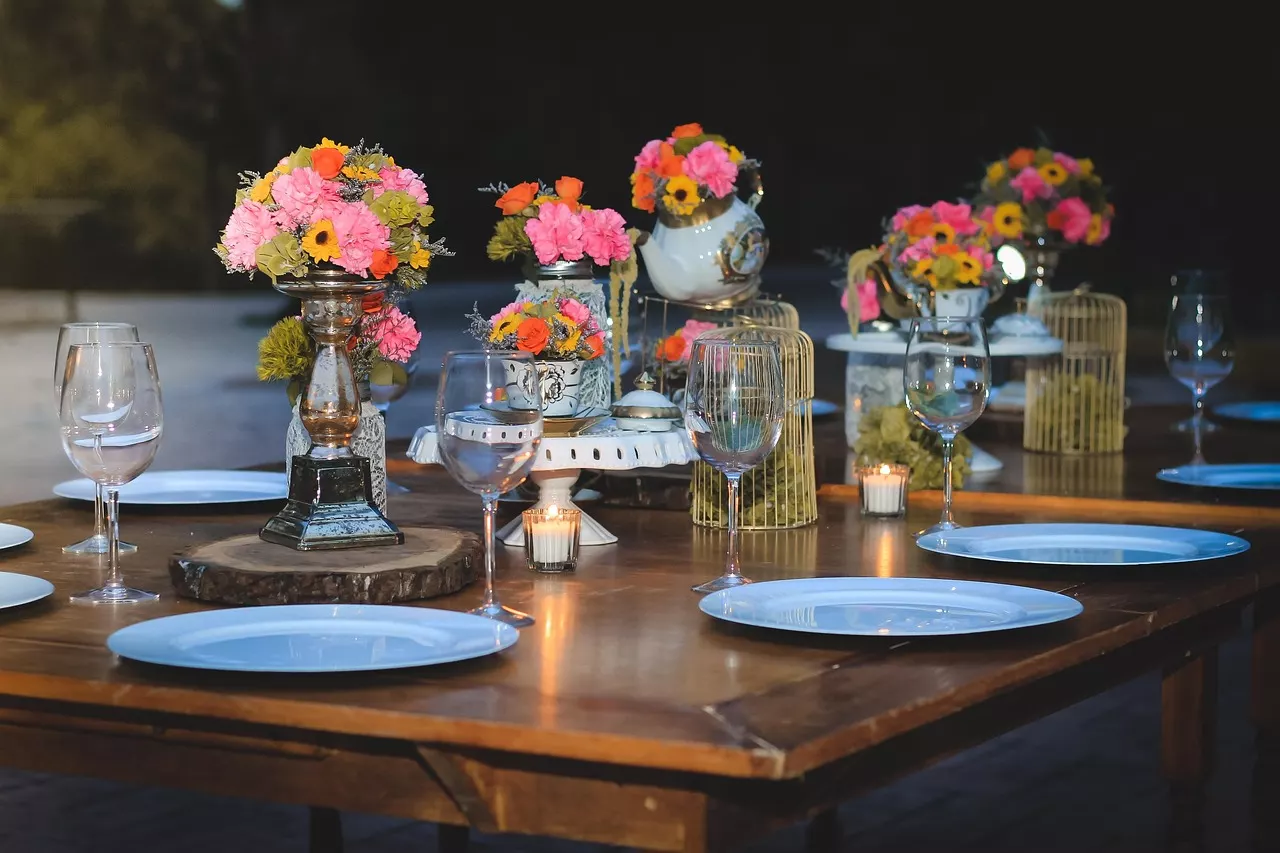
- Sample invitationsLive invitation pages with RSVP.
Turn anything into anything
Drop a PDF, Word file or text and get flashcards, a quiz, notes, slides, a spreadsheet or a summary. Free preview, no sign-up.

QR menus, invitation pages, forms and quizzes, from one sentence
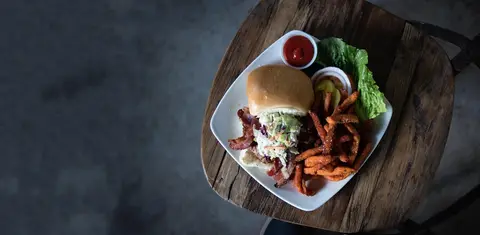
Describe the restaurant or the event. You get a page with its own link, a QR code, and for invitations an RSVP form and a guest list. Open a real sample first.
QR menus
All 14 sample menus →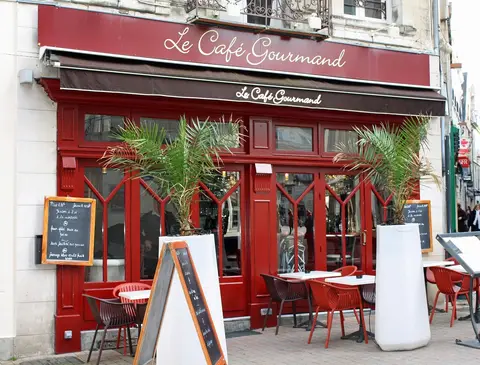

Just need a code for a link, Wi-Fi or contact? Free QR code generator


Forms, quizzes and courses, made from a prompt, a document or a book
All 22 templates →Free plan, no credit card required.
Start for freePlans that scale from a first draft to daily writing.
See pricingHow it works
Writing
1. Brief it
Ask in a sentence, or describe a longer piece and approve its outline.
2. AI drafts
WordGPT writes it in your language and tone, chapter by chapter for long documents.
3. You refine
Edit inline or ask for changes; review comments and suggestions like tracked changes.
PDFs → spreadsheet
1. Drop files
Invoices, receipts, statements — up to 50 at once. Originals are kept with the sheet.
2. Approve columns
It reads a sample and proposes typed columns. Rename, add or remove any, or reuse a template.
3. Export
Every file becomes rows you can check against the source, then download as .xlsx or CSV.
Your website
1. Start from you
Describe yourself or pick a resume. WordGPT drafts every section: about, services, work, contact.
2. Edit with the assistant
Ask for changes in a sentence, or drag, resize and restyle by hand. Preview on phone and desktop.
3. Publish
Choose your link name and go live. Unpublish whenever you like.
0
Happy users0
Documents created0
Prompts generatedA sweet spot for writers
One credit allowance for everything — writing, images and files. No mystery tokens.
Free
$0/mo
Finish one real illustrated article.
150 AI credits / month
5 documents (docs, sheets, slides, web pages)
About 20 writes + 2 illustrations
Floating writing copilot
QR menus: 1 restaurant, 25 dishes, 2 languages
File library: 10 files, 50 MB
Resume builder with PDF export
Writer
$3.99/mo
Daily-driver cheaper than ChatGPT Plus.
2,000 AI credits / month
50 documents (docs, sheets, slides, web pages)
About 300 writes + 20 illustrations
Style presets + visualize
QR menus: 3 restaurants, 150 dishes, 6 languages
File library: 200 files, 1 GB
Resume builder with PDF export
Pro
$8.99/mo
Power writers, still under the old $9.99.
8,000 AI credits / month
Unlimited documents (docs, sheets, slides, web pages)
About 1,200 writes + 80 illustrations
Every model, including Best
QR menus: 10 restaurants, unlimited dishes, 14 languages
File library: unlimited files, 5 GB
Resume builder with PDF export
Join writers already using WordGPT.
Create your first documentWhat our users say
Our users already enjoy our app. Here's what they have to say about it.
“Our members are so impressed. It's intuitive. It's clean. It helps you deliver content faster.”

Mitch Kolby
Editor
“Word GPT Pro helped me write articles faster and cleaner.”

Kevin Jem
Blog Writer
“It improved my writing skills and helped me to structure my documents.”

Kendal Banks
Blogger
Questions, answered
Is WordGPT free?
Yes. The free plan includes 150 AI credits a month and 5 documents, and needs no credit card. Paid plans add more credits and documents for people who write every day.
What can I make with WordGPT?
Documents and articles, slide presentations, designed web pages, resumes, study material and illustrations, all by chatting with an AI that can see your document.
Can I turn a PDF, invoice or bank statement into Excel?
Yes. Drop in a PDF and WordGPT finds the columns and pulls the rows into a table. You can preview the result for free and export to Excel or CSV with an account.
Can I try it without an account?
Yes. The Try it section on this page runs a few free requests a day with no sign-up: a document, a table, a web page, a summary or slides.
Can it make a PowerPoint presentation?
Yes. Say what the presentation is about, review the plan, and WordGPT builds the slides with pictures, charts and timelines. They open in an editor and download as PowerPoint.
Which AI models does it use?
WordGPT works with models from several AI labs, so you can pick the one that suits the job. The Models page compares them.
Tell us what you need. We start it for you.
Free to try here. No account, no credit card.
Let's talk
Questions, feedback or a feature you need? Write to us and we will answer by email.
Contact us