Gadgets product photos for eBay
eBay asks for a clear, honest picture of the actual item, and a white or neutral background is the usual advice. This page sets out what eBay says about listing pictures, which shots buyers of a gadget or electronic device look for, and how to get a full set from one photo.
Upload one photo and the main picture is cut out of your own photo, so every pixel of the product stays yours. The other five pictures are drawn by an image model from your photo and checked against it.
Make my set from one photoThe main picture is free; sign in to start.
From one photo of a gadget or electronic device
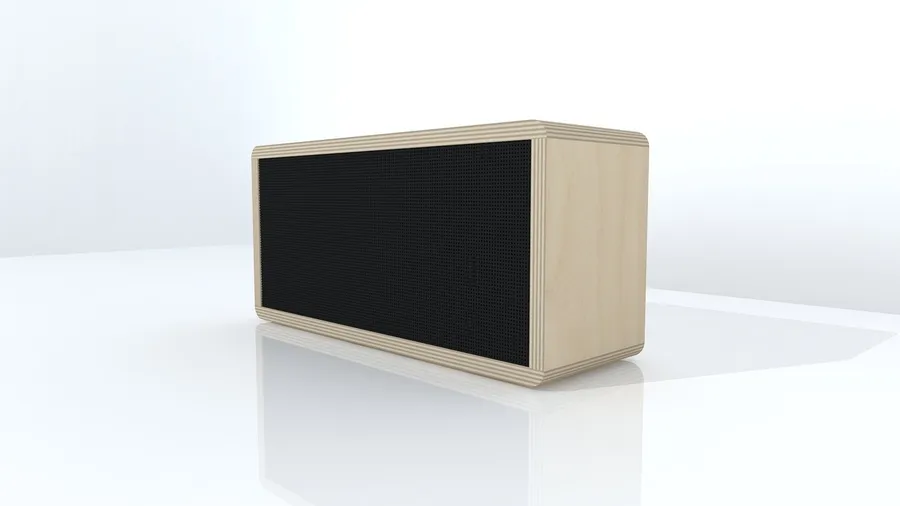
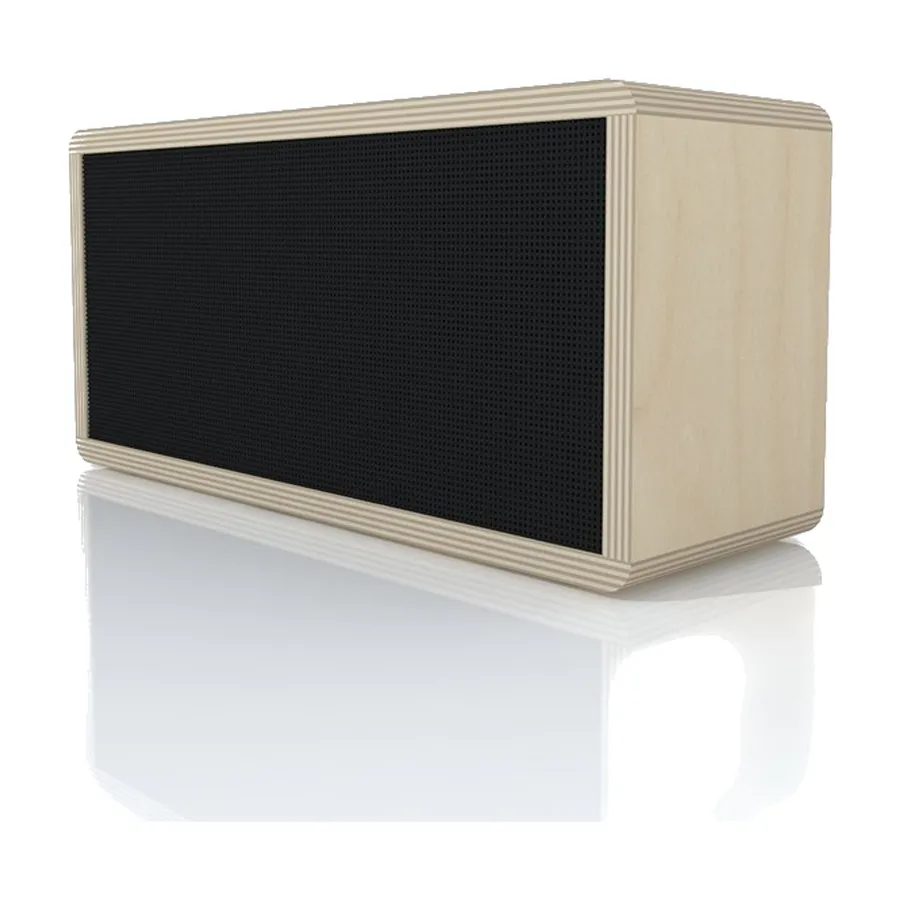
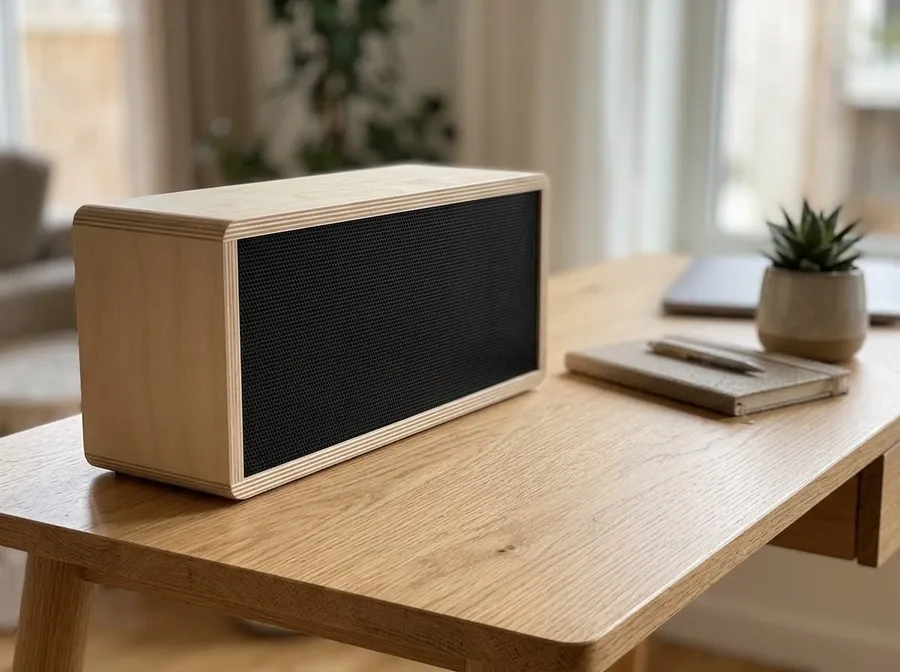
In use, drawn by the image model
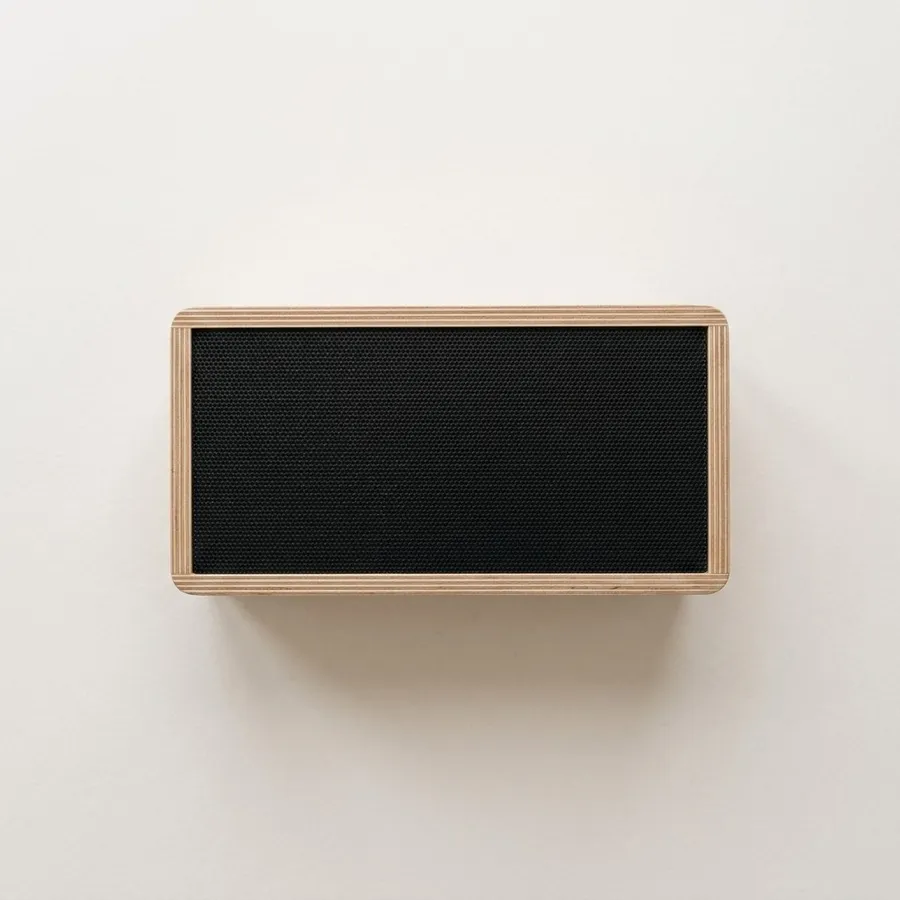
Flat lay, drawn by the image model
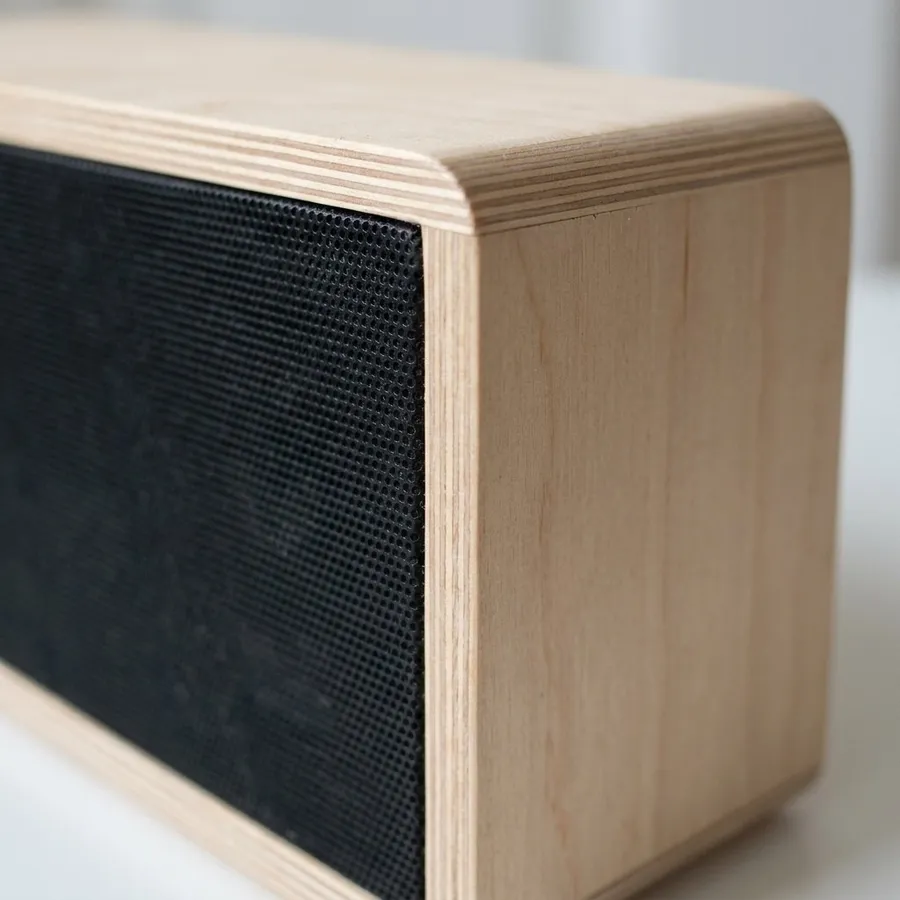
Close-up, drawn by the image model
The speaker has no printed brand or controls to redraw. A device with buttons, ports or a screen needs those checked.
Made on 19 Nov 2026. Source photo by 3283622 on Pixabay.
The white-background picture we make
- Main picture size
- 1600 × 1600 px, JPEG
- Product size inside it
- about 1360 px on its longest side (85% of the frame)
- Background we make
- pure white (RGB 255), set by code, not drawn
What eBay says about pictures
Read on eBay Help: Adding pictures to your listings on 2026-11-19. Rules change: check the source before you upload.
- RequiredAt least one picture is required; up to 24 pictures per listing.
- RequiredA minimum resolution of 500 × 500 px.
- AdvisedAbout 1600 × 1600 px is recommended.
- RequiredFile types: JPEG, PNG, GIF, TIFF, BMP, WEBP, HEIC or AVIF, up to 12 MB each.
- AdvisedWhite backgrounds are generally best (a darker one can suit shiny items like jewelry); show the item in an uncluttered space against a neutral backdrop.
- AdvisedDo not add badges, logos, copyright notices or watermarks to pictures: they can affect search placement.
- AdvisedThe main photo should show the whole item face-on; a single item's main photo should not include variations.
- RequiredA catalog or stock photo can't be used if the item is listed as used.
Watch out on eBay
- If you list an item as used, show its real condition: use the cut-out of your own photo, not an AI redraw that could look better than the item is.
- Keep your own close-ups of any wear or damage; eBay's picture rules are about showing the item accurately.
The six pictures, for a gadget or electronic device
Main picture (1:1)
For gadgets: A clean, straight-on view with every port and button visible.
On eBay: Your main photo: the whole item face-on. Make it with the cut-out of your own photo.
In use (4:3)
For gadgets: A desk setting shows the size and how it is used.
On eBay: An extra photo that shows the item in use (best for new items).
Flat lay (1:1)
On eBay: An extra photo from above for sets and flat items.
Close-up (1:1)
For gadgets: Ports, buttons and finish.
On eBay: An extra photo for detail, and for showing the condition honestly.
Story (9:16)
On eBay: Not an eBay slot: use it for social posts that link to your listing.
Banner (16:9)
On eBay: Use it for a store header or a promotion banner.
What buyers of gadgets check
- The ports, buttons and connectors.
- The screen or display, when there is one.
- What is in the box.
- The size next to something familiar.
Common mistakes
- Screens that reflect the room or show a made-up display.
- Missing accessories from the picture.
- Fingerprints on glossy surfaces.
Questions
Can I show a display in a gadget photo?
Only show real screen content, or leave the screen off. A made-up display can misrepresent the product and breaks marketplace rules about accurate pictures.
What size should eBay photos be?
eBay requires at least 500 × 500 px and recommends about 1600 × 1600 px. Up to 24 pictures, in JPEG, PNG, GIF, TIFF, BMP, WEBP, HEIC or AVIF, up to 12 MB each.
Does eBay need a white background?
eBay says white backgrounds are generally best, and a neutral uncluttered backdrop is advised, but it does not state a mandatory background on that page.
What does a set of pictures cost?
The main picture cut out of your own photo is free. Each of the other five pictures costs 25 credits, so a full set is 125 credits. A picture that fails the label check is made again once, and refunded if it still fails.
Will the pictures match my product?
The cut-out main picture uses your own pixels. The other pictures are drawn by an image model, which can change small details, and it can only guess the sides your photo does not show. Each one is checked against your photo for the product and its main label, but always compare them with the real item.
Try it with your own photo
One photo of your gadgets product in, six pictures out, with the category and eBay already chosen.
Make my setMarketplace rules change and differ by region. This page summarises what the marketplace's own help says and does not promise that any picture will be accepted.