Clothing product photos for Walmart
Walmart's marketplace follows the same white-background main image habit as Amazon, with its own seller guidelines. This page sets out what Walmart says about listing pictures, which shots buyers of a garment look for, and how to get a full set from one photo.
Upload one photo and the main picture is cut out of your own photo, so every pixel of the product stays yours. The other five pictures are drawn by an image model from your photo and checked against it.
Make my set from one photoThe main picture is free; sign in to start.
From one photo of a garment
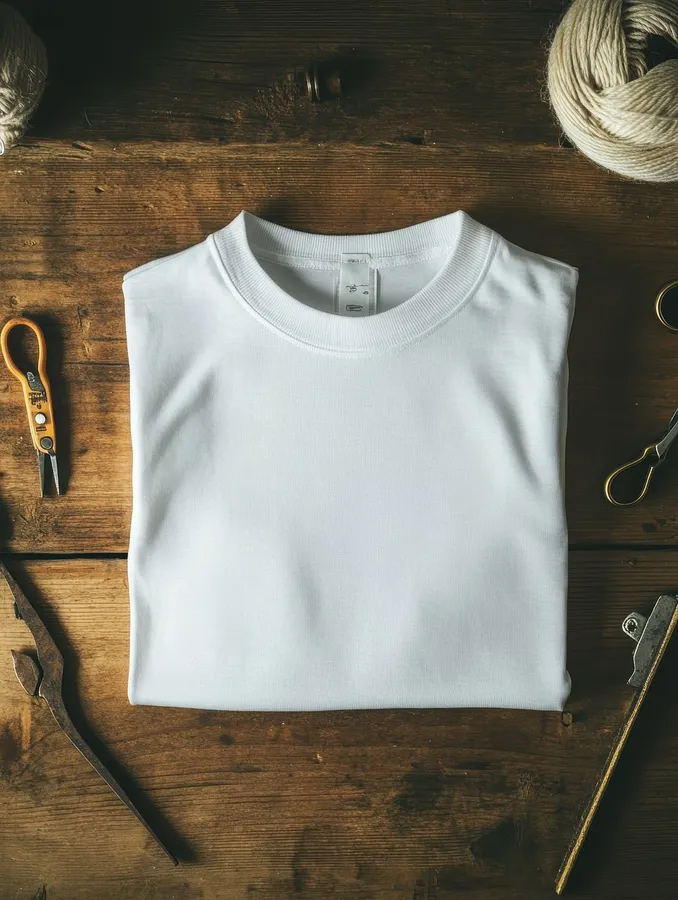
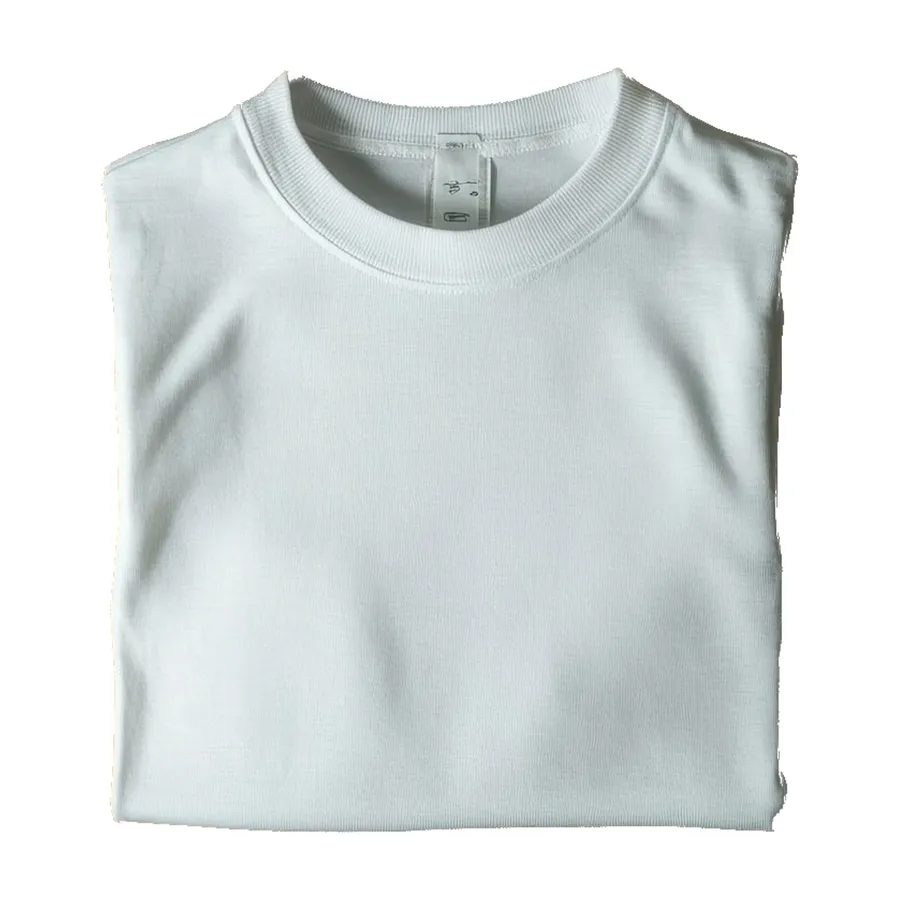
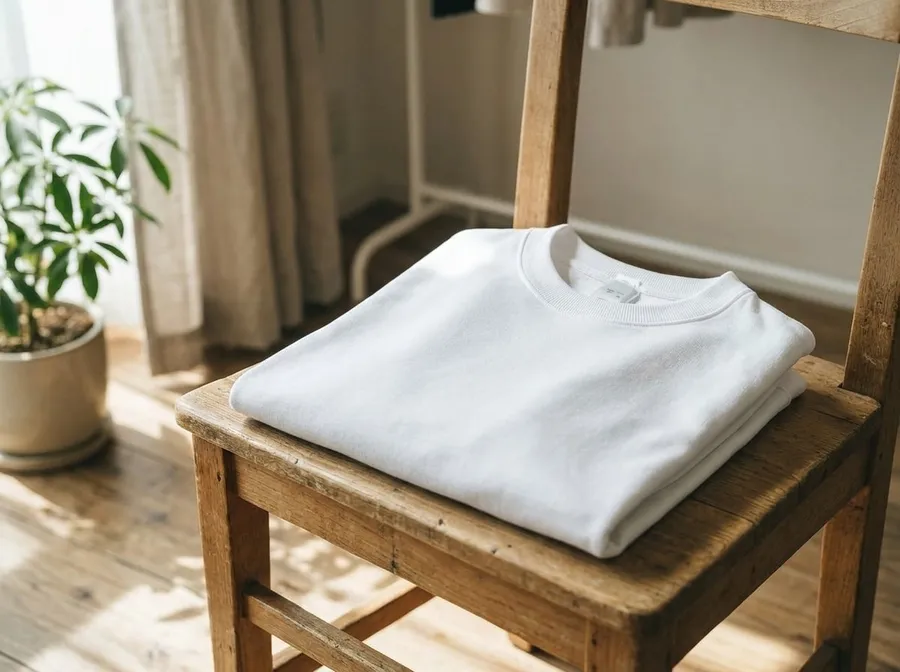
In use, drawn by the image model
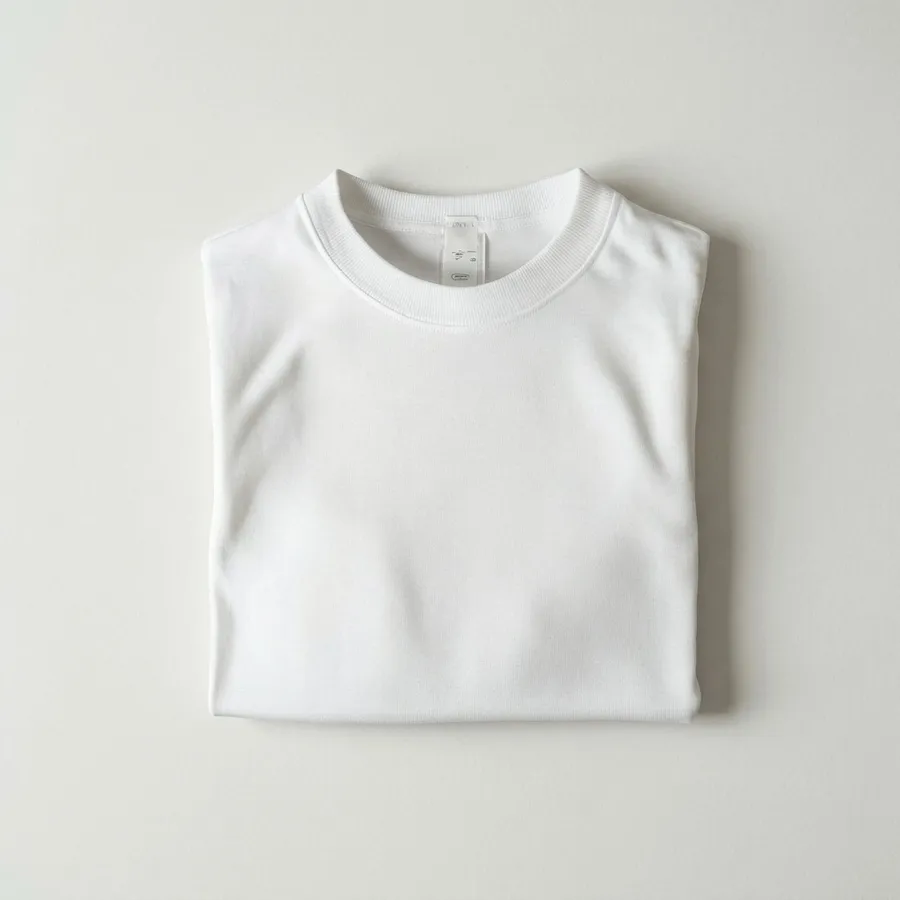
Flat lay, drawn by the image model
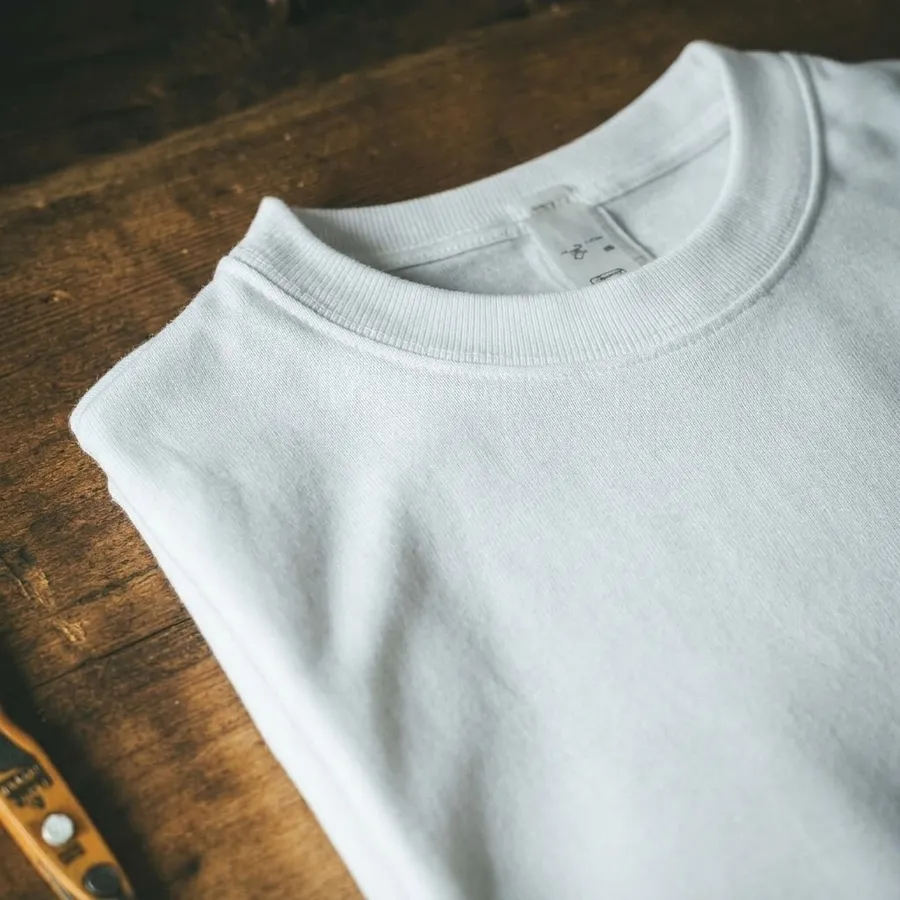
Close-up, drawn by the image model
The shirt is a plain white tee, so details are few; a printed or labelled garment needs more care in the drawn pictures.
Made on 19 Nov 2026. Source photo by T-Shirtbedrucken on Pixabay.
The white-background picture we make
- Main picture size
- 2000 × 2000 px, JPEG
- Product size inside it
- about 1800 px on its longest side (90% of the frame)
- Background we make
- pure white (RGB 255), set by code, not drawn
What Walmart says about pictures
We could not read Walmart's own page (Walmart Marketplace Learn, product detail page image guidelines (the page would not load for us)). The figures below are repeated by seller guides, so check Walmart before you rely on them.
- RequiredMain image on a pure white background.
- AdvisedAt least 1000 × 1000 px; about 2000 × 2000 px recommended for zoom.
- RequiredThe product fills about 85% of the frame.
- RequiredOnly the product on the main image: no people, props or text.
Watch out on Walmart
- Walmart's own guideline page would not load for us. These figures are repeated by several seller guides, so check Walmart Marketplace Learn before you rely on them.
- Use the cut-out of your own photo for the main image: it has to show the actual product.
The six pictures, for a garment
Main picture (1:1)
On Walmart: Your main image: pure white, product filling the frame. Make it with the cut-out of your own photo.
In use (4:3)
For clothing: A hanging or folded shot in a room gives context.
On Walmart: A secondary image that shows the product in use.
Flat lay (1:1)
For clothing: A flat lay shows the cut, the length and the print without distortion.
On Walmart: A secondary image from above.
Close-up (1:1)
For clothing: Fabric weave, buttons and stitching decide trust.
On Walmart: A secondary image for detail and materials.
Story (9:16)
On Walmart: Not a Walmart slot: use it for social posts and ads that link to the listing.
Banner (16:9)
On Walmart: Use it for a brand page or an ad.
What buyers of clothing check
- The shape and the fit when laid out or worn.
- Fabric texture and print up close.
- Labels, tags and stitching.
- True color in daylight.
Common mistakes
- Wrinkles that hide the shape.
- Colors shifted by artificial light.
- No view of the label or fabric.
Questions
How do I show clothing without a model?
Use a flat lay on a plain surface or a hanger against a clean wall, press the garment first, and add a close-up of the fabric and the label.
What size should Walmart product photos be?
Seller guides agree on at least 1000 × 1000 px with about 2000 × 2000 px for zoom, and a product filling about 85% of the frame. Walmart's own page did not load for us, so confirm in Walmart Marketplace Learn.
What does a set of pictures cost?
The main picture cut out of your own photo is free. Each of the other five pictures costs 25 credits, so a full set is 125 credits. A picture that fails the label check is made again once, and refunded if it still fails.
Will the pictures match my product?
The cut-out main picture uses your own pixels. The other pictures are drawn by an image model, which can change small details, and it can only guess the sides your photo does not show. Each one is checked against your photo for the product and its main label, but always compare them with the real item.
Try it with your own photo
One photo of your clothing product in, six pictures out, with the category and Walmart already chosen.
Make my setMarketplace rules change and differ by region. This page summarises what the marketplace's own help says and does not promise that any picture will be accepted.