Mugs product photos for Shopify
Shopify sets very few rules for product pictures, so the work is making a gallery that looks consistent across your own store. This page sets out what Shopify says about listing pictures, which shots buyers of a mug or piece of drinkware look for, and how to get a full set from one photo.
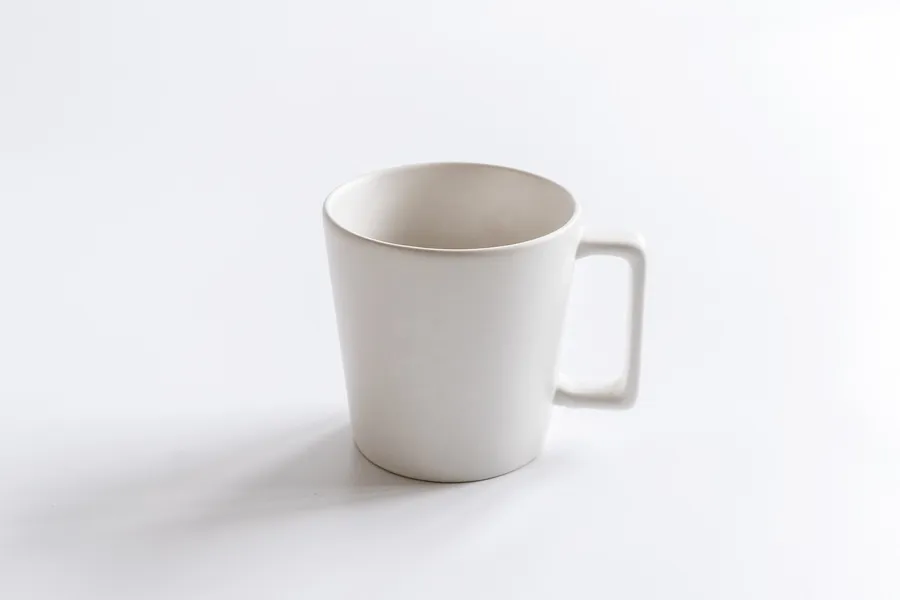
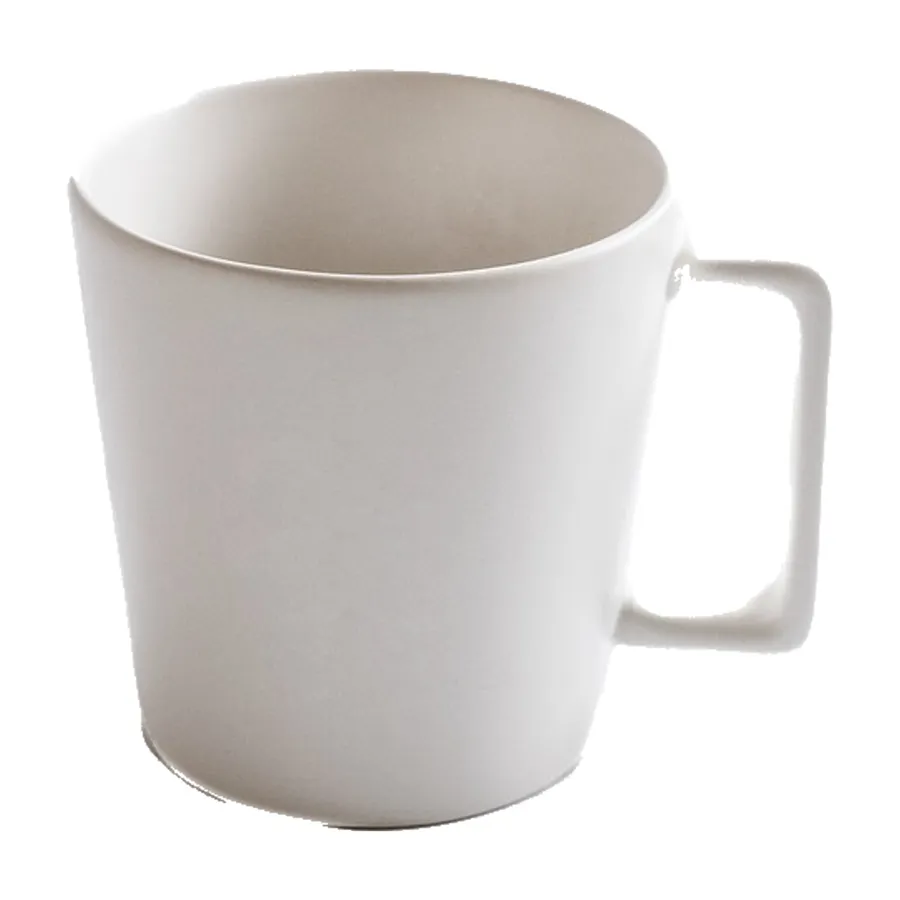
Upload one photo and the main picture is cut out of your own photo, so every pixel of the product stays yours. The other five pictures are drawn by an image model from your photo and checked against it.
Make my set from one photoThe main picture is free; sign in to start.
From one photo of a mug or piece of drinkware
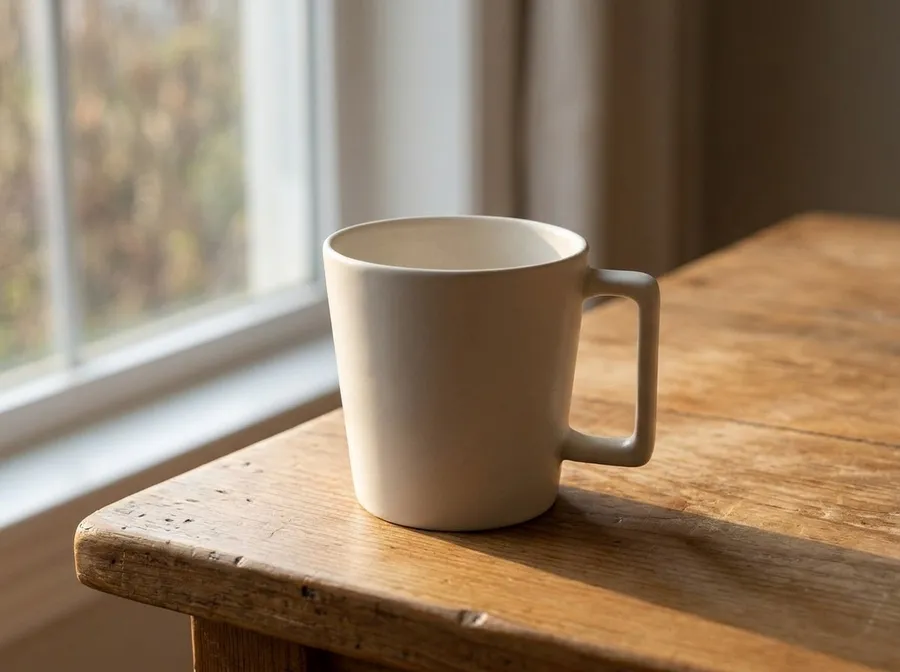
In use, drawn by the image model
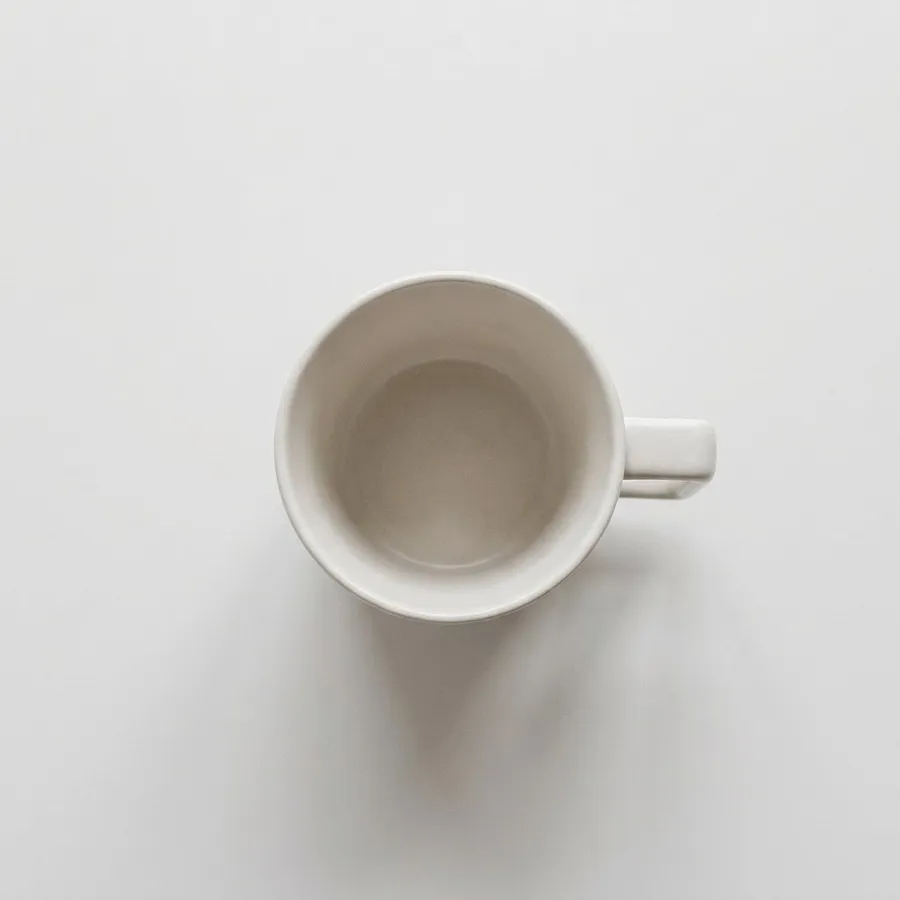
Flat lay, drawn by the image model
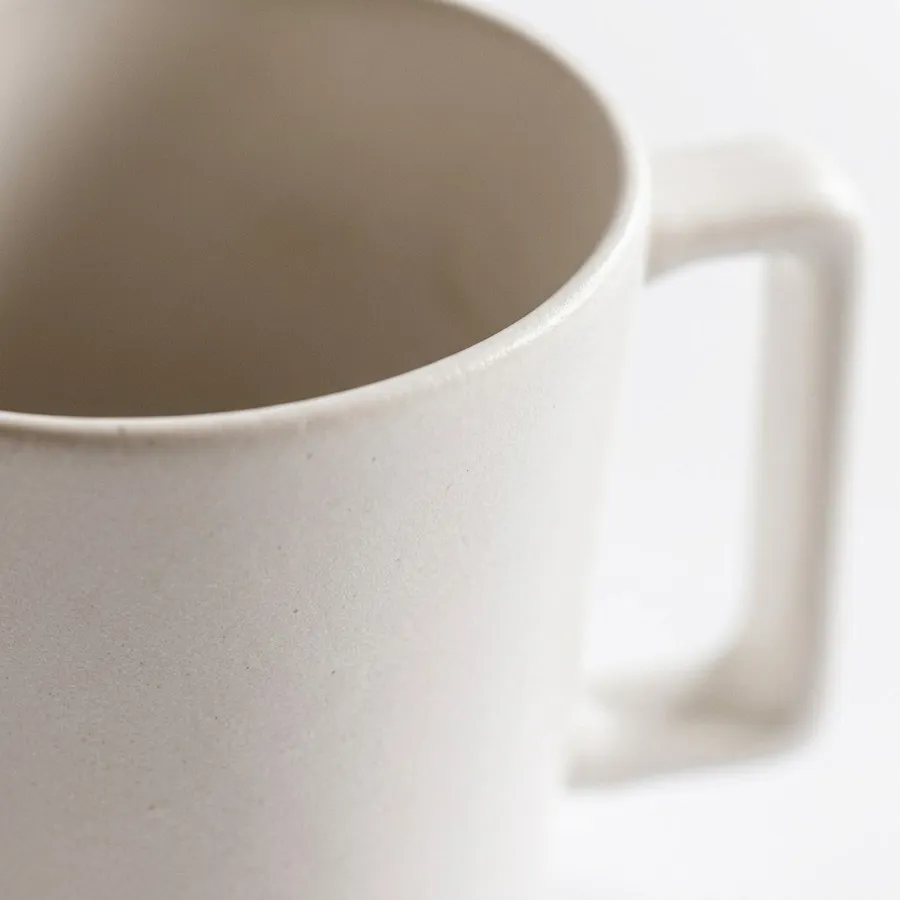
Close-up, drawn by the image model
A white mug on a white background is hard to separate: look at the lower edge of the cut-out before you use it.
Made on 19 Nov 2026. Source photo by Evgeniadakar on Pixabay.
The white-background picture we make
- Main picture size
- 2048 × 2048 px, JPEG
- Product size inside it
- about 1741 px on its longest side (85% of the frame)
- Background we make
- pure white (RGB 255), set by code, not drawn
What Shopify says about pictures
Read on Shopify Help Center: product media types on 2026-11-19. Rules change: check the source before you upload.
- RequiredProduct images can be any size up to 5000 × 5000 px, or 25 megapixels.
- RequiredFile size under 20 MB.
- AdvisedBest file type is PNG, then JPEG. TIFF, BMP, GIF, SVG, HEIC and WebP are also accepted.
- AdvisedFor square product images, 2048 × 2048 px usually displays best.
- AdvisedUse a consistent aspect ratio for your featured (main) images so collection pages line up.
Watch out on Shopify
- Shopify does not require a white background, so the pictures made here can all go straight into the gallery.
- Pick one shape for your featured images (square is the usual choice) and keep to it across products.
The six pictures, for a mug or piece of drinkware
Main picture (1:1)
For mugs: A clean side view with the handle visible.
On Shopify: Your featured image: a clean, consistent first picture for the product page and collection grids.
In use (4:3)
For mugs: A table by a window shows the size and the mood.
On Shopify: A gallery image that shows the product in use.
Flat lay (1:1)
On Shopify: A gallery image from above, good for collection pages with a flat-lay style.
Close-up (1:1)
For mugs: Glaze, speckles and print detail are the selling point of handmade pieces.
On Shopify: A gallery image for texture and detail.
Story (9:16)
On Shopify: Use it for social stories and ads that link to the product.
Banner (16:9)
On Shopify: Use it as a collection banner or a homepage hero for the product.
What buyers of mugs check
- The shape, the handle and the size.
- The glaze, the print or the pattern.
- The inside as well as the outside.
- How it looks in use.
Common mistakes
- A handle turned away so the shape is unclear.
- A busy table that distracts from the mug.
- A redrawn glaze pattern that no longer matches the real piece.
Questions
How do I show a handmade glaze truthfully?
Use pictures made from your own photo, with good daylight, so the glaze pattern stays exactly what the buyer receives. Avoid tools that redraw the surface.
What size should Shopify product photos be?
Shopify says product images can be up to 5000 × 5000 px (25 megapixels) and under 20 MB, and that 2048 × 2048 px usually displays best for square images.
Does Shopify need a white background?
No. Shopify's help page sets no background rule; it advises a consistent aspect ratio for your featured images.
What does a set of pictures cost?
The main picture cut out of your own photo is free. Each of the other five pictures costs 25 credits, so a full set is 125 credits. A picture that fails the label check is made again once, and refunded if it still fails.
Will the pictures match my product?
The cut-out main picture uses your own pixels. The other pictures are drawn by an image model, which can change small details, and it can only guess the sides your photo does not show. Each one is checked against your photo for the product and its main label, but always compare them with the real item.
Try it with your own photo
One photo of your mugs product in, six pictures out, with the category and Shopify already chosen.
Make my setMarketplace rules change and differ by region. This page summarises what the marketplace's own help says and does not promise that any picture will be accepted.