AI Word, Excel and PowerPoint files: normal or Pro?
Both write code and hand you a real file. Normal is quick and made for correct numbers. Pro takes longer and is made to look finished.
| Feature | Normal files | Pro files |
|---|---|---|
| Best for | Correct numbers: totals, schedules, cleaned data, charts | Finished documents: reports, slide decks, workbooks |
| How it works | Your request is calculated by code at once | A few questions, a plan you approve, then the build |
| Word | Plain and print-ready: headings, tables, charts | Designed report, checked page by page |
| Excel | Data, results and formulas | Styled workbook with summary and charts |
| PowerPoint | White slides with editable charts | Designed deck with its own look |
| PDF, CSV, images | Yes | A PDF copy comes with each file |
| Changes later | Ask, and the script runs again | Ask, and the file is edited; it is rebuilt only when needed |
| Code | Shown in the chat | Shown with the file |
| Free to try | One analysis | No: needs a paid plan or added credits |
| Cost | Credits per run, lower | Credits by real use, higher: the first build is the largest part |
 Try normal free
 See Pro files
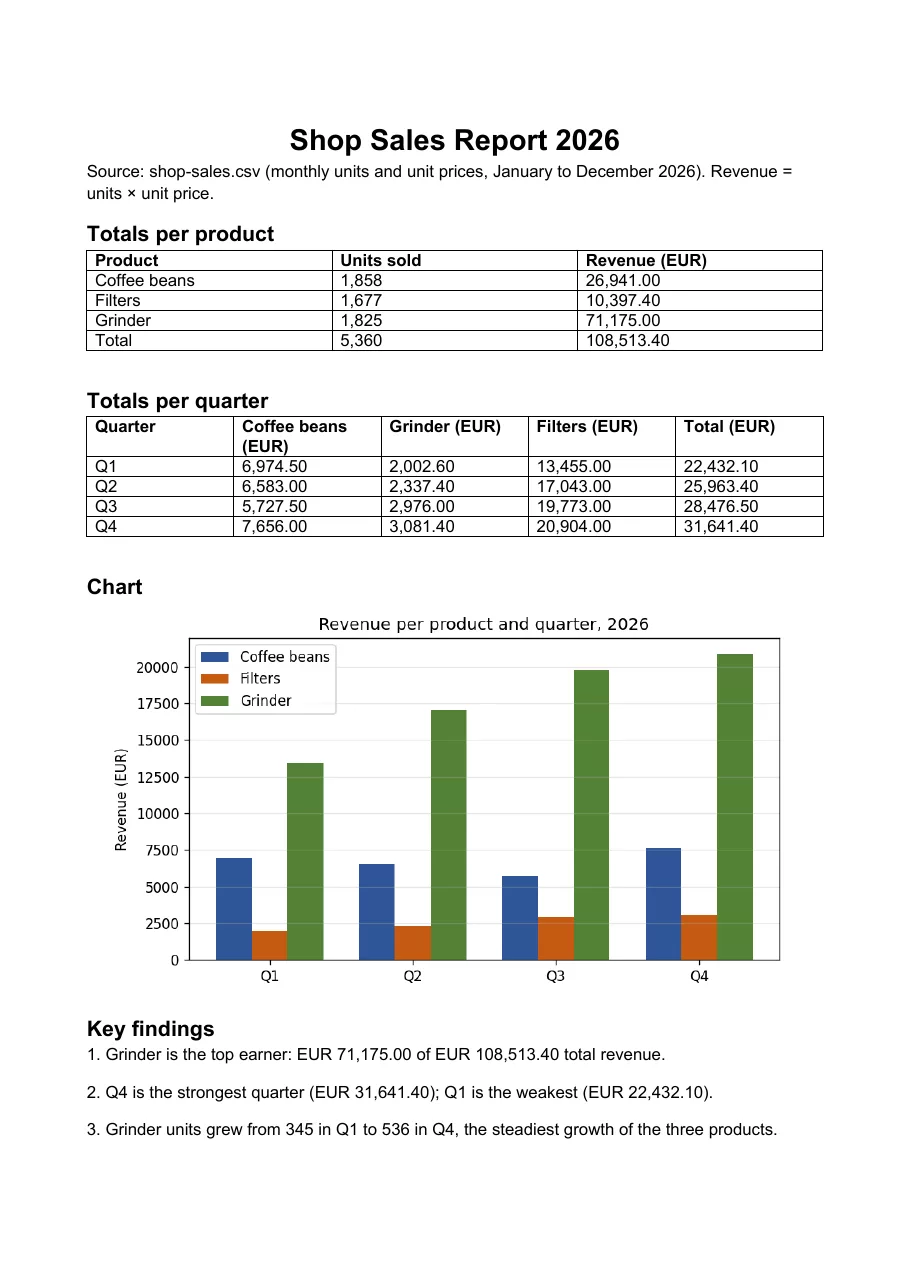
The two reports are real runs on made-up data, with different requests.
Questions
Do I need a special plan for Pro files?
No. Any paid plan, or credits added to a free account, unlocks both. Pro files use more credits than a normal run.
Which should I choose?
If you need the figures right and will format the file yourself, choose normal. If you will send it to a client, a teacher or a manager as it is, choose Pro.
Can I start normal and move to Pro?
Yes. In the same chat, type @, choose a Pro skill and say what the finished file should be.